Malicre
Active member
- Artist Support Link
- https://www.patreon.com/ZettoR18
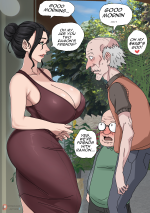
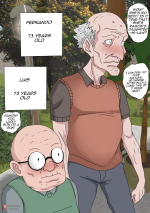
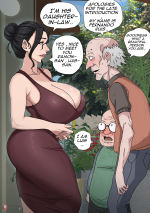
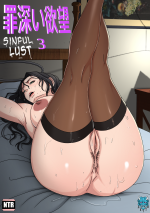
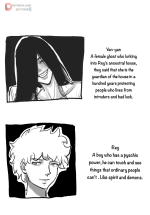
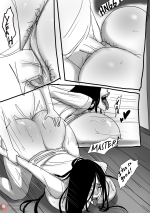
One of my favorite new up and coming artists. His NTR comic is pretty great. Here's chapter 1.















































































how descompress the zip?
ok thanks, but when i try to extract the file shows a message the damaged file and doesnt openIf you're on a phone, i suggest using ES Explorer, though you can likely get a zip archiver too.
If you're on Windows/Linux, likely has built-in viewer and extractor as part of the file explorer, try right-clicking the file and 'extract to' or something similar.
If you are otherwise confused, try 7zip
ok thanks, but when i try to extract the file shows a message the damaged file and doesnt open

Yeah i think soSame here i cannot extract it after download.
Why dont u just share the pics of other pics from zetto?