thewalkingdead1986
New member
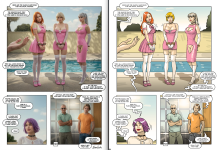
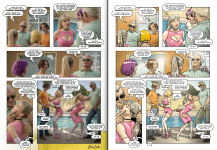
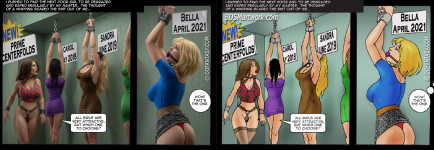
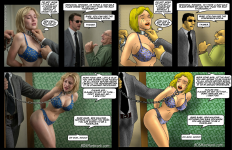
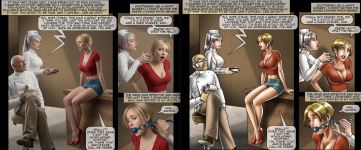
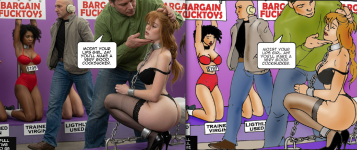
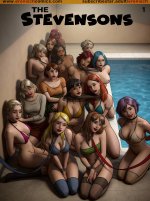
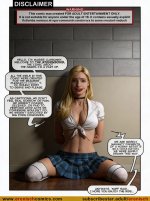
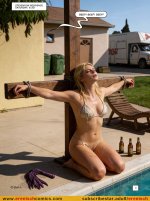
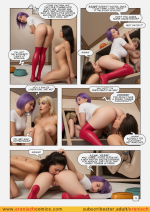
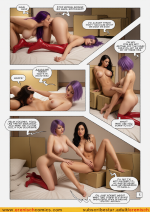
Hi guys, I decided to open this thread to upload my version of the Stevensons comic, a remake made with Ai and created with ComfyUI with my prompts, I hope you like it.

Follow along with the video below to see how to install our site as a web app on your home screen.
Note: This feature may not be available in some browsers.
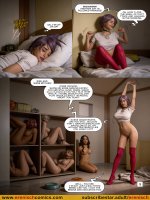
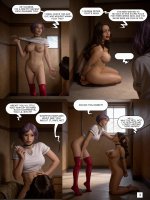
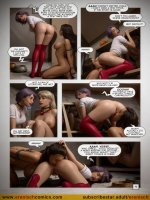
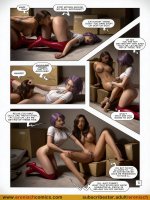
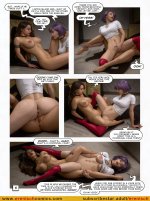
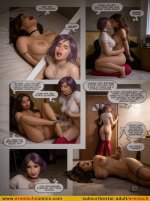
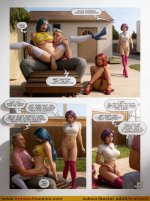
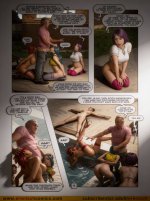
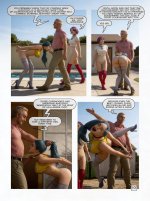
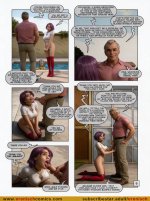
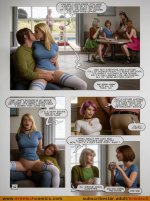
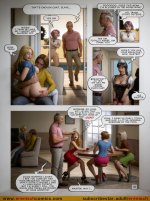
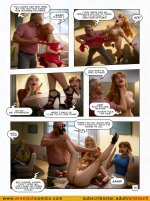
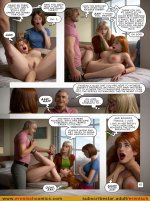
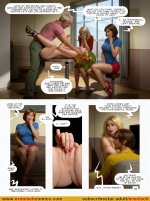
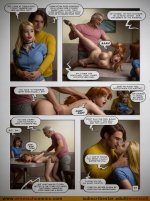
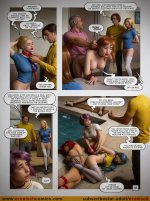
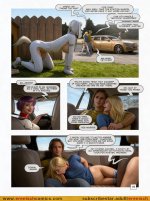
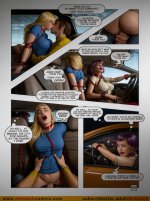
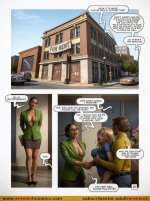
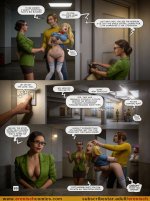
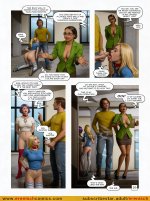
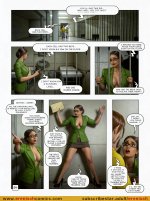
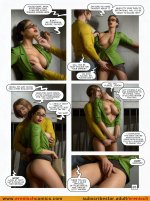
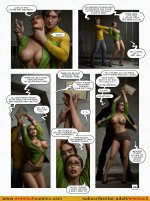
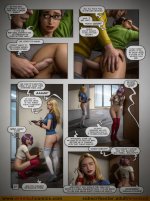
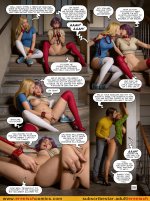
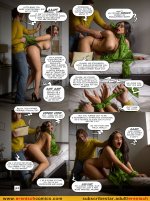
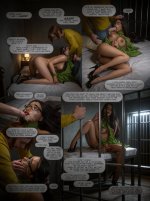
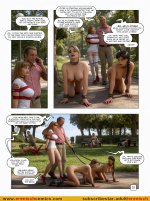
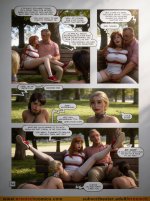
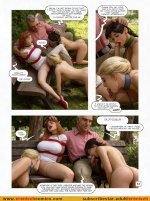
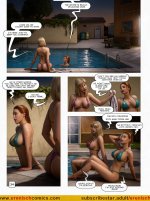
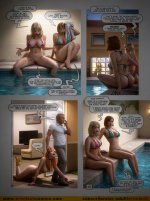
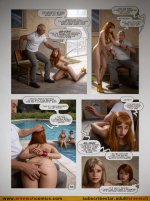
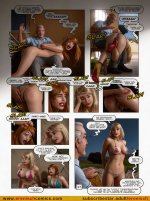
May I ask how you did this? What you used etc? really interesting, I think this is a brilliant concept. Might bring new life into older comics, I'd love to know how you did it, if you don't mind sharing.the first 27 page of the comic
View attachment 2137221 View attachment 2137222 View attachment 2137223 View attachment 2137224 View attachment 2137225 View attachment 2137226 View attachment 2137227 View attachment 2137228 View attachment 2137229 View attachment 2137230 View attachment 2137231 View attachment 2137232 View attachment 2137233 View attachment 2137234 View attachment 2137235 View attachment 2137236 View attachment 2137237 View attachment 2137238 View attachment 2137239 View attachment 2137240 View attachment 2137241 View attachment 2137242 View attachment 2137243 View attachment 2137244 View attachment 2137245 View attachment 2137246 View attachment 2137247 View attachment 2137248 View attachment 2137249 View attachment 2137250 View attachment 2137251 View attachment 2137252 View attachment 2137253 View attachment 2137254 View attachment 2137255 View attachment 2137256 View attachment 2137257 View attachment 2137258
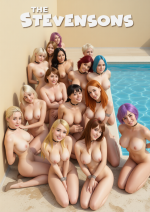
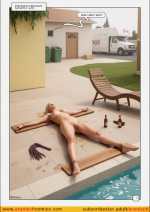

Good broSome AI generated images. Used Qwen Perchance AI image to image.
It's free but limited. Limited mages only per day (3 or 4). If someone is free please convert the other stevensons image as well. We can also add additional image for ref. So, I guess we can carry over the face of characters for next images. Not sure btw.
View attachment 2763910 View attachment 2763911
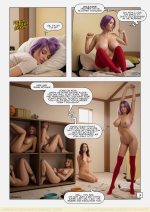
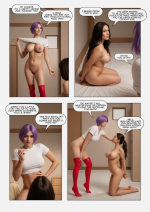
It's free. But you have to be fast as you only get 2 mins per day. You can create minimum 2 images in 2 mins. You can connect to different wifi and get another 2 mins time as well.You can use the same prompt I used.Fantastic work! This AI tool could really update some of Dofantasy's old gems. Thanks for your contribution, and I hope to contribute someday.
Which prompt should I use exactly to create the final images? I've done some tests, but they seem a bit blurry.It's free. But you have to be fast as you only get 2 mins per day. You can create minimum 2 images in 2 mins. You can connect to different wifi and get another 2 mins time as well.You can use the same prompt I used.
I already provided the prompt in my message. I type the prompt again. But texts won't be that clear sometimes. That's actually a trade off as the one I am using is free.Which prompt should I use exactly to create the final images? I've done some tests, but they seem a bit blurry.
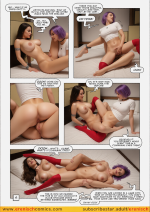
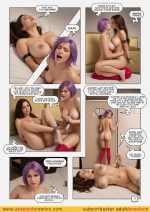
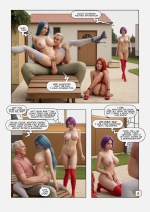
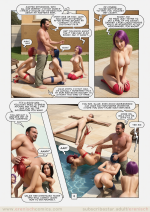
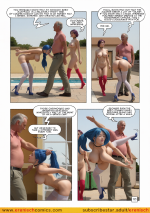
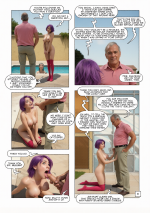
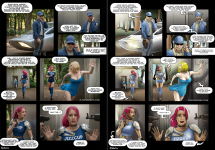
Which website you used to convert this? What is the prompt? Is it free?Hi, nice job! I wanted to share a few examples of my attempts at AI comic generation.
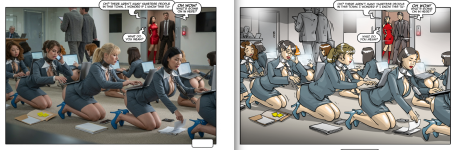
View attachment 3014815 View attachment 3014816 View attachment 3014817 View attachment 3014819 View attachment 3014820 View attachment 3014821 View attachment 3014822 View attachment 3014823 View attachment 3014826

I didn't use an online converter or a website for this — it’s a fully local workflow running on Stable Diffusion 1.5 via WebUI.Which website you used to convert this? What is the prompt? Is it free?
Thank you so much! As a Stable 1.5 user who is kinda stuck in a rut, this is extremely helpful.I didn't use an online converter or a website for this — it’s a fully local workflow running on Stable Diffusion 1.5 via WebUI.
The whole pipeline breaks down into a few distinct steps:
So instead of a simple 2D-to-realism filter, it's essentially an automated reconstruction using a VLM for description and ControlNet for geometry.
- Vision-to-Prompt Analysis: I ran the original comic panel through Qwen-VL with a custom prompt. The goal was to deconstruct the image into real-world physical elements — describing lighting, materials, facial expressions, and clothing while completely stripping away any mention of comic styles, inking, or flat shading.
- Structural Composition: To lock the scene without copying the 2D illustration artifacts, I used ControlNet with a Depth map (depth_zoe). Depth retains the camera angle, spatial depth, and body poses, but avoids the rigid black outlines that Lineart or Canny usually bake into the render.
- Generation & Styling: The parsed prompt was paired with heavy photorealism modifiers (35mm photo, detailed skin texture, raw lighting) and a strict negative prompt to eliminate cel-shading, drawings, and artifacts.
- Face & Hands Refinement: Because SD 1.5 struggles with distant faces in multi-character scenes, I ran the output through ADetailer (face_yolov8s / hand_yolov8n) for automated high-res inpainting, ensuring clean expressions and anatomically correct hands.