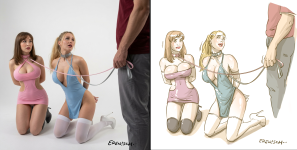
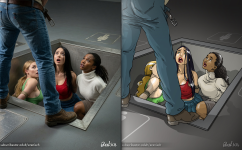
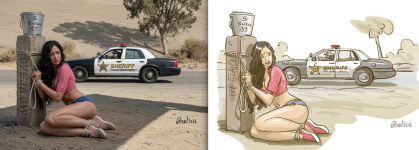
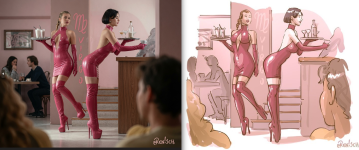
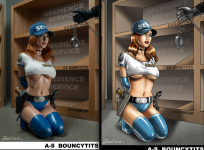
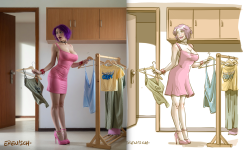
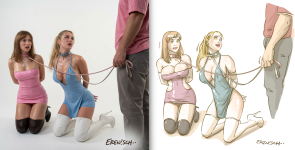
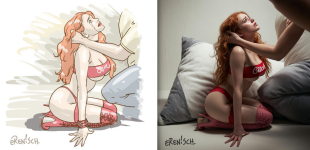
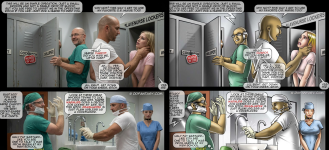
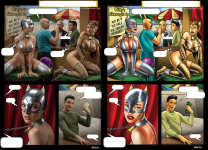
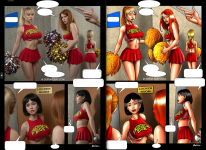
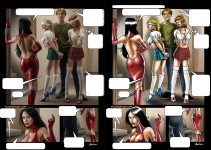
[Erenisch] Art remake with AI

  • Thread starter Thread starter Partyzan
  • Start date Start date
  • Technical Tags Technical Tags ai-gen
  • Sexual/Kinks Tags Sexual/Kinks Tags bdsm
  • Character Tags Character Tags slave

Partyzan

Member
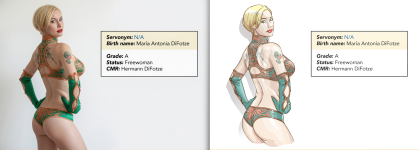
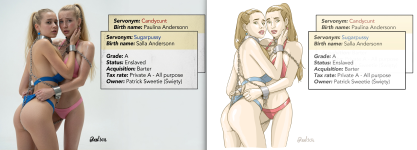
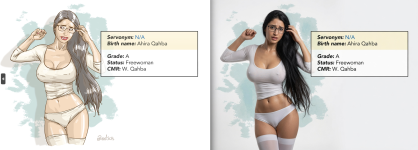
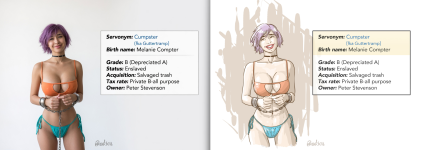
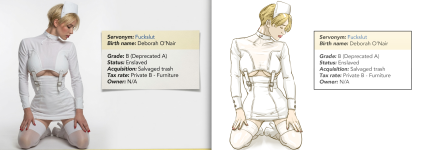
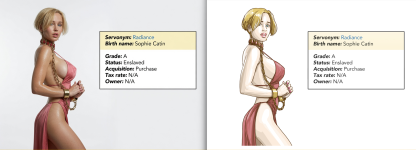
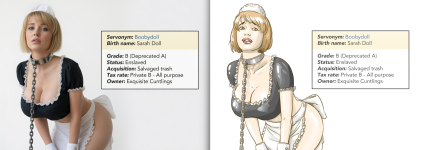
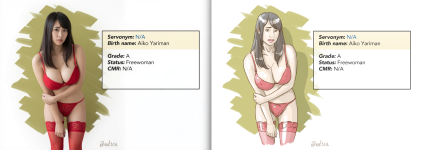
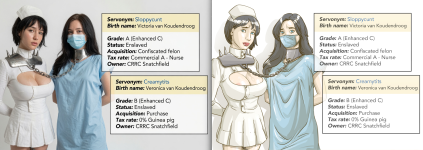
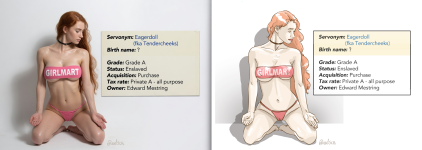
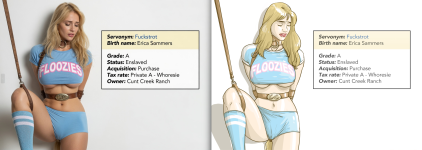
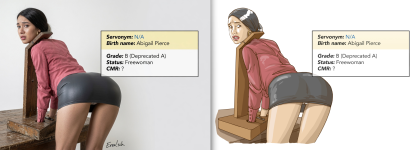
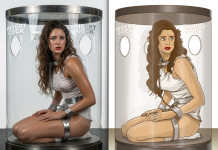
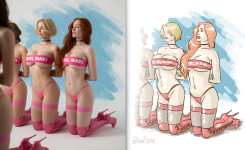
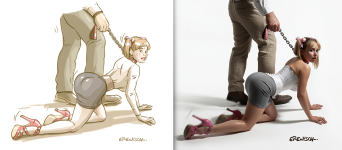
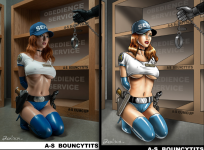
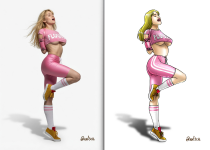
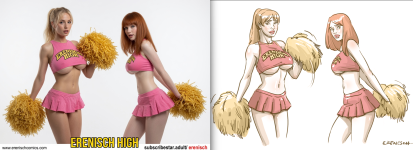
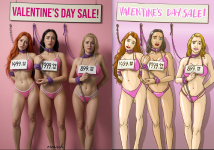
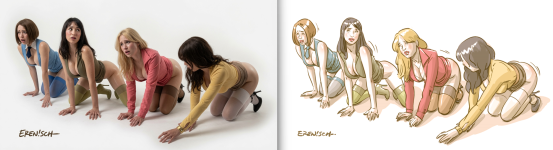
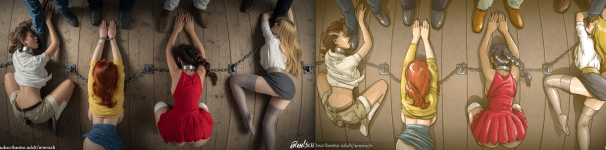
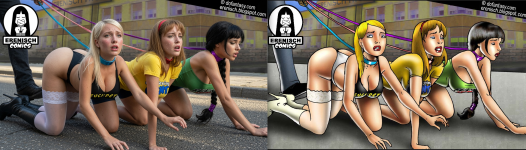
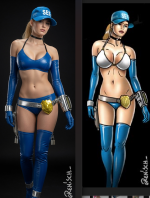
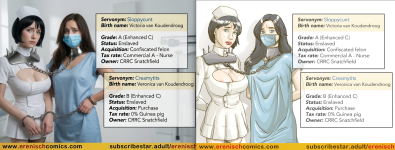
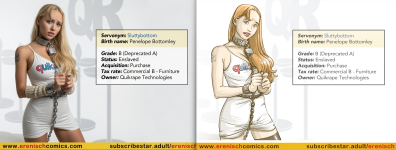
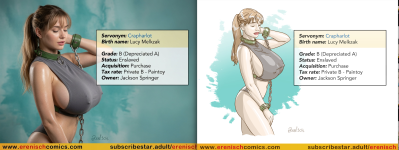
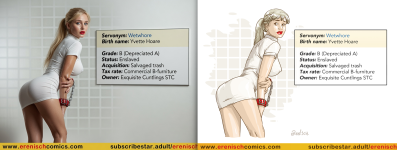
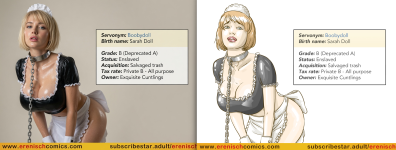
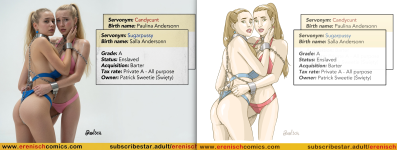
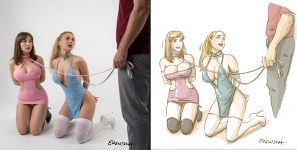
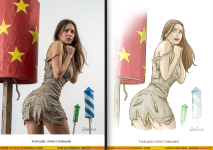
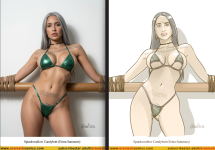
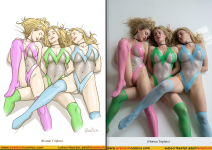
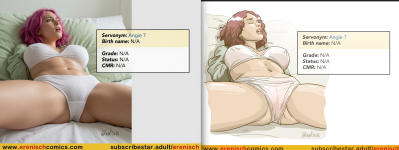
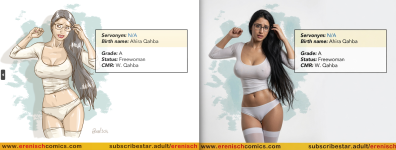
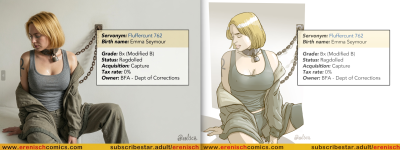
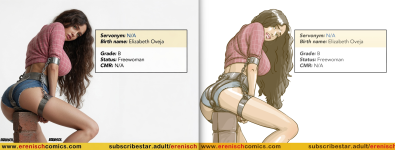
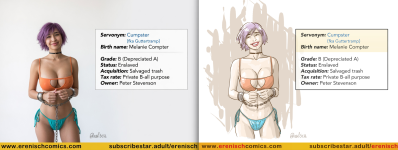
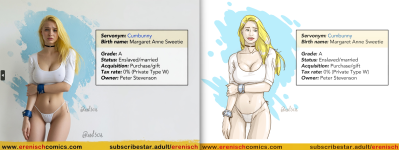
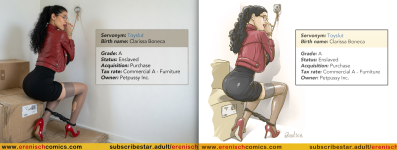
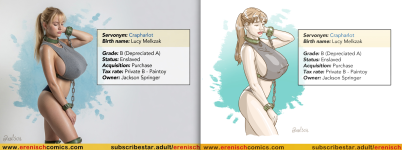
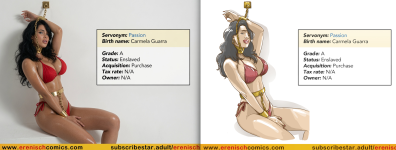
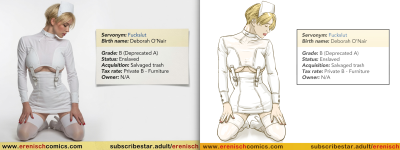
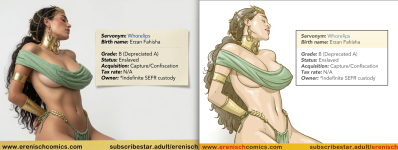
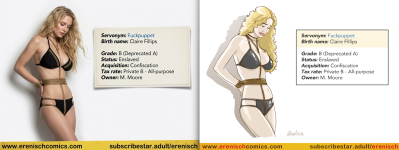
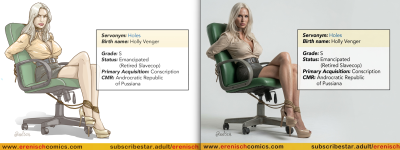
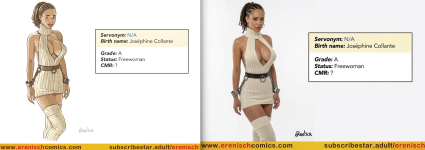
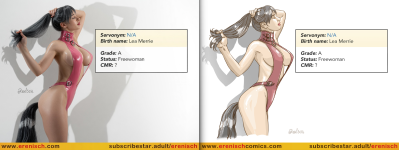
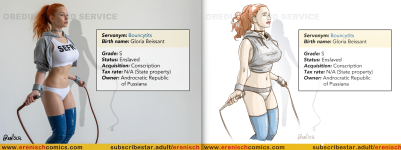
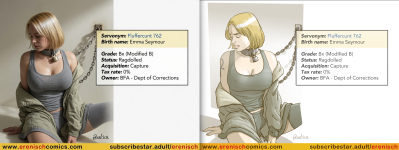
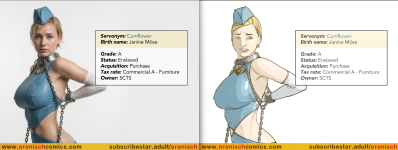
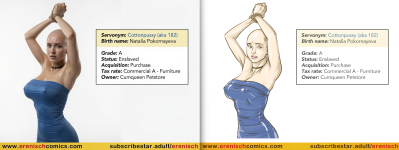
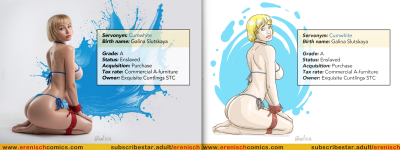
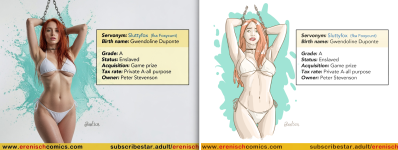
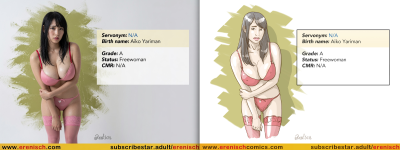
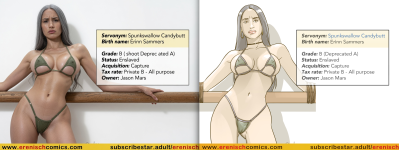
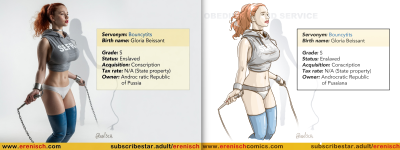
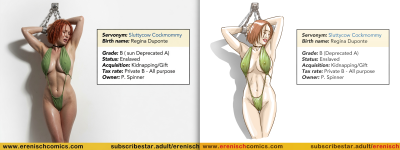
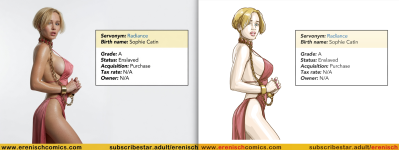
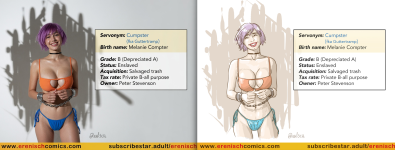
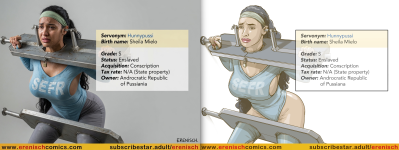
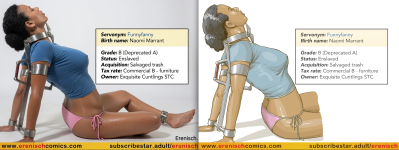
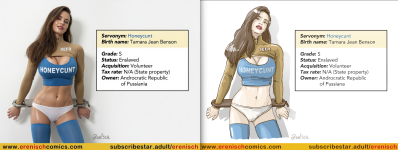
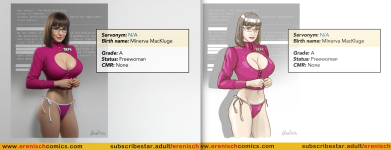
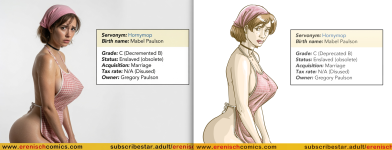
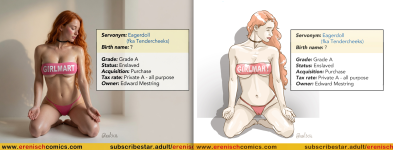
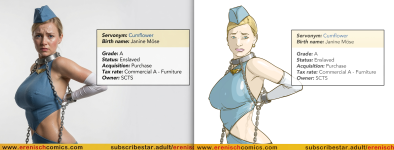
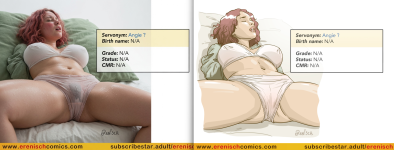
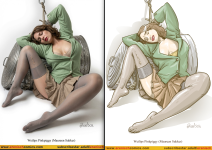
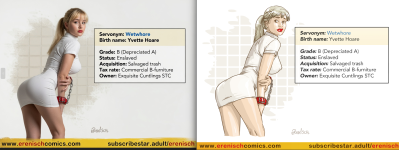
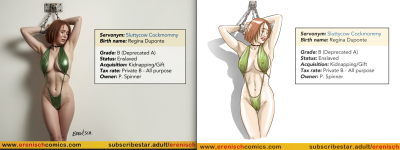
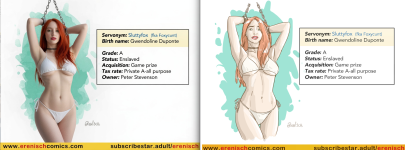
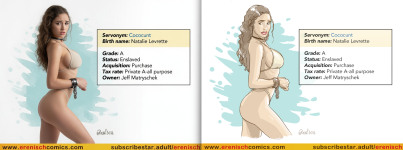
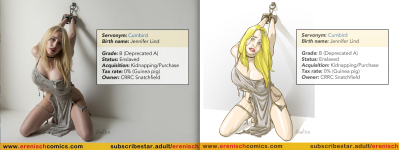
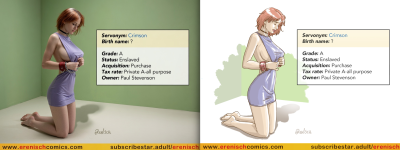
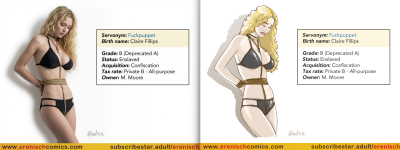
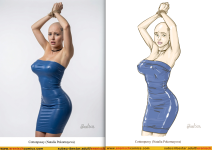
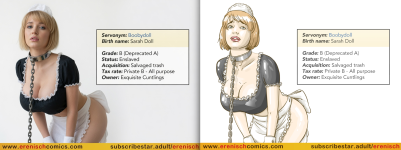
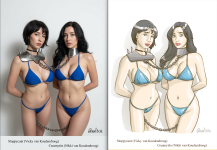
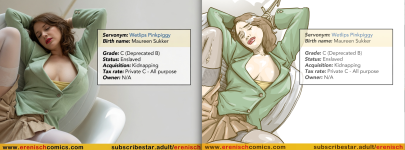
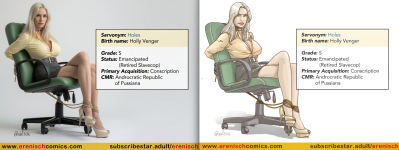
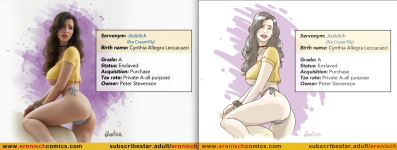
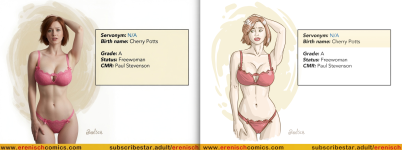
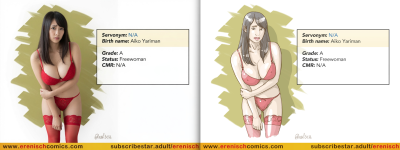
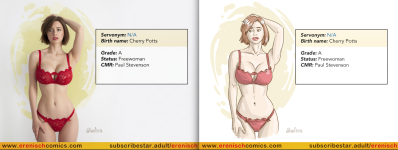
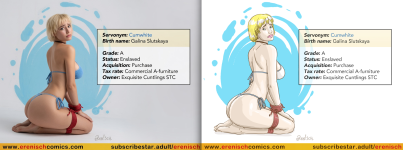
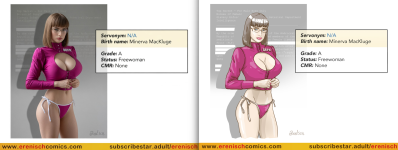
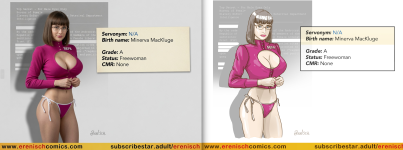
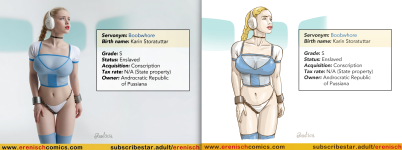
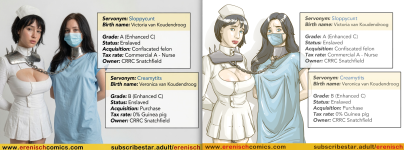
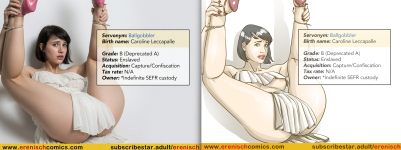
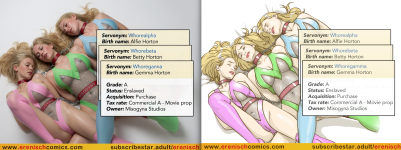
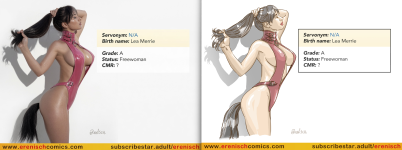
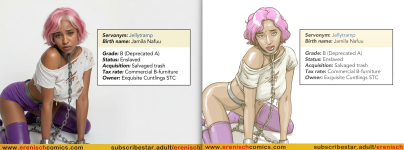
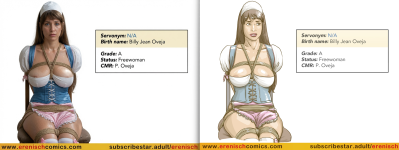
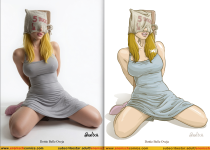
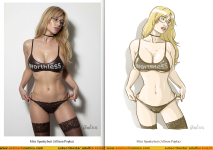
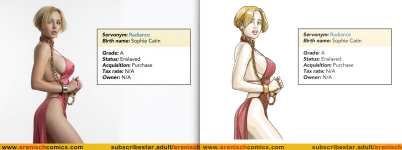
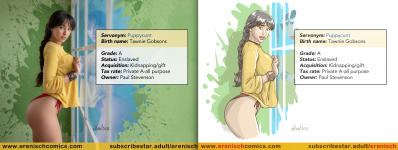
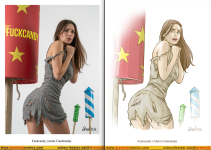
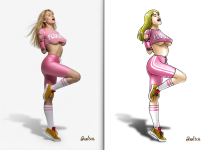
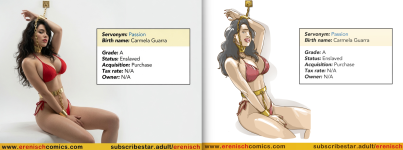
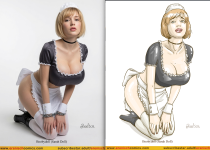
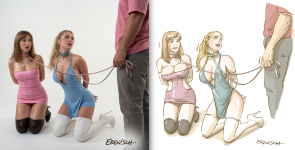
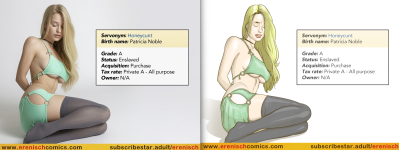
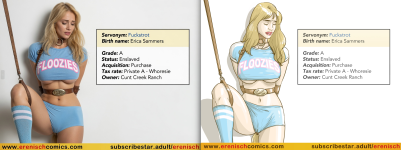
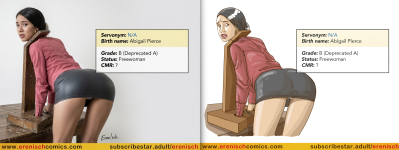
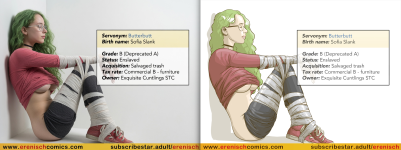
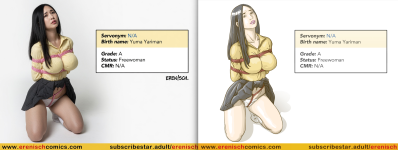
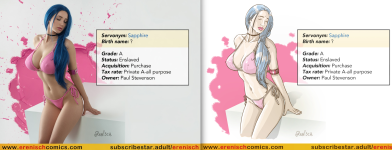
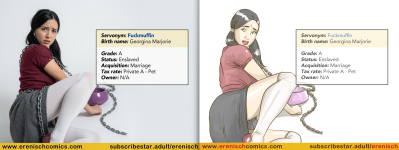
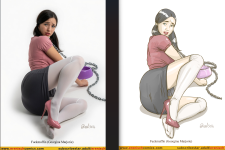
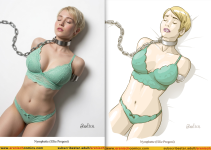
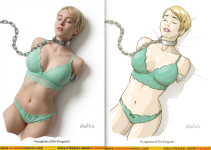
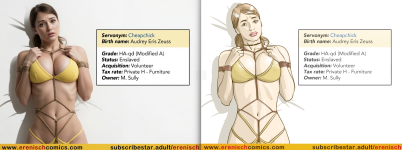
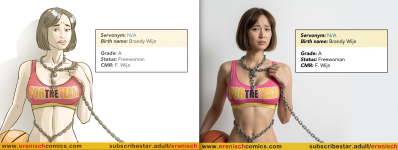
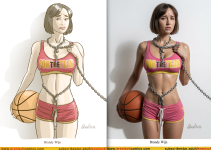
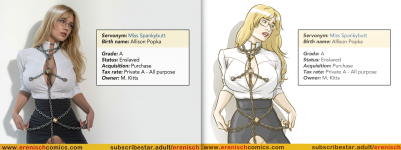
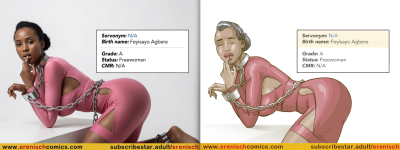
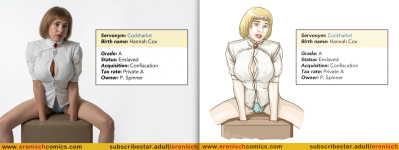
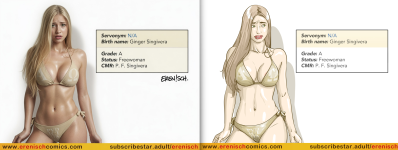
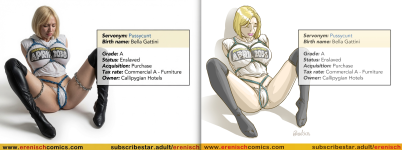
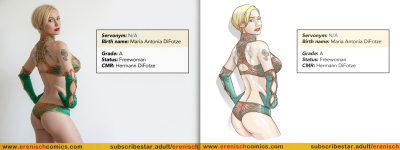
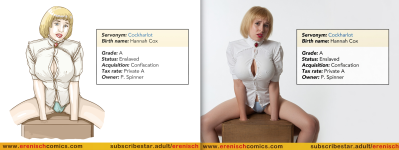
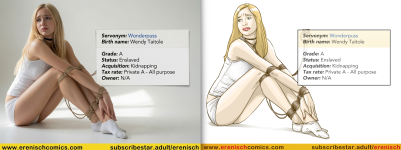
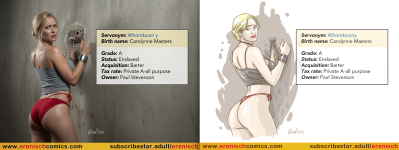
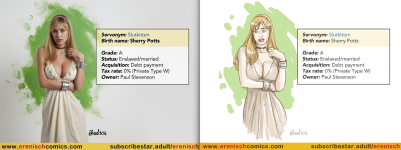
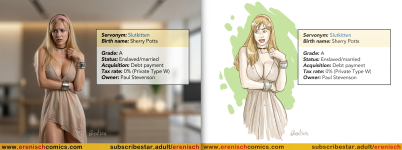
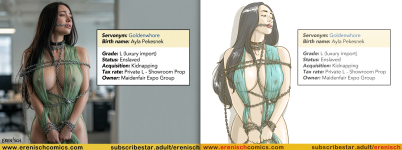
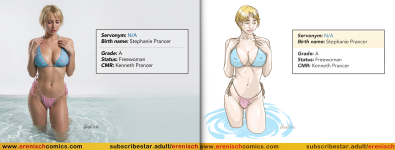
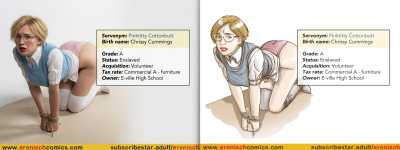
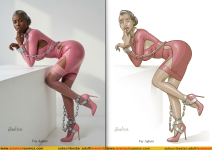
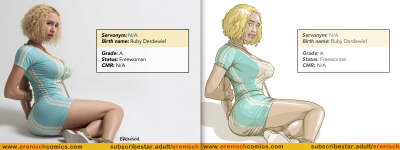
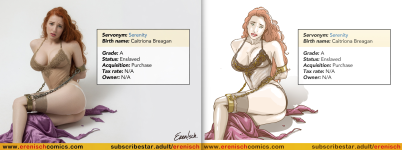
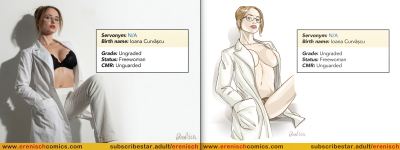
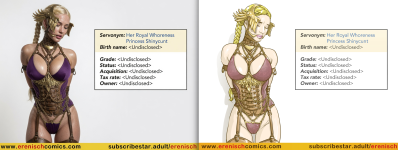
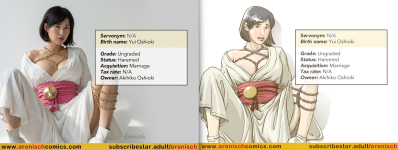
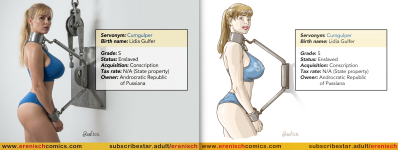
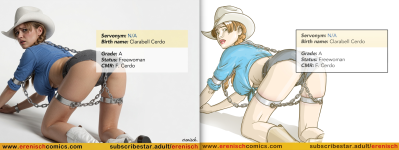
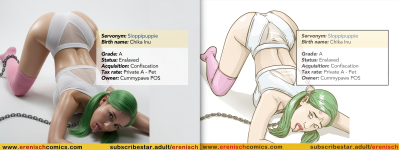
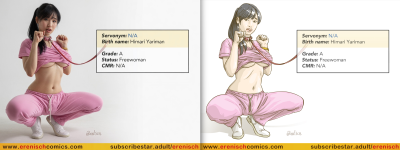
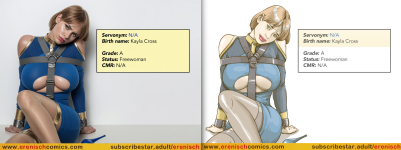
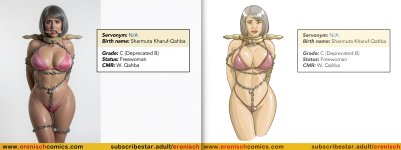
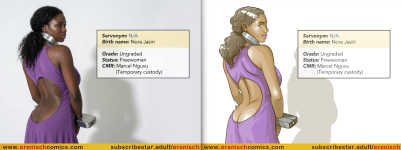
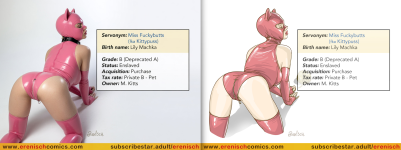
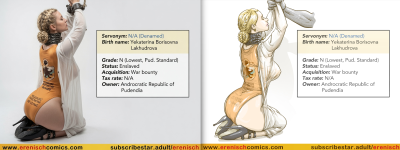
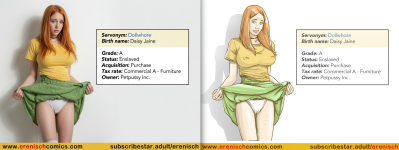
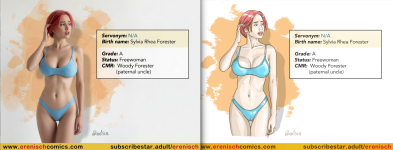
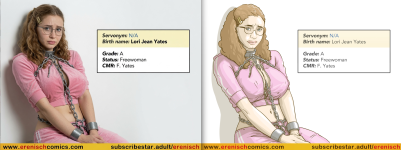
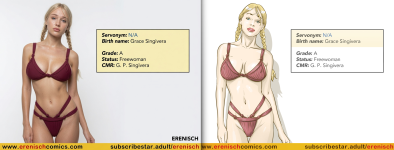
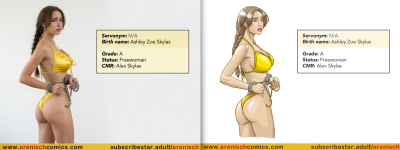
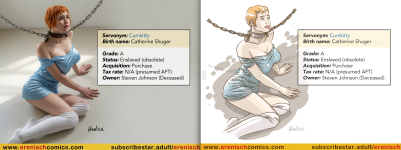
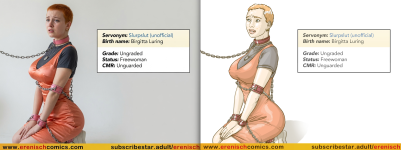
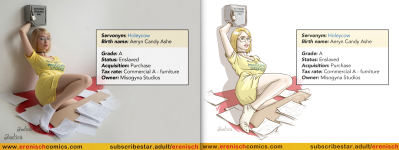
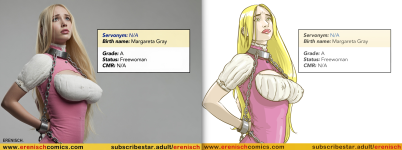
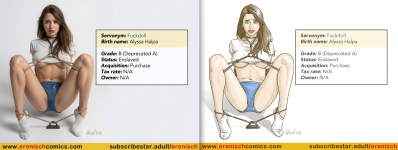
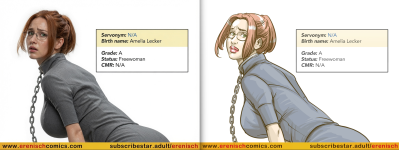
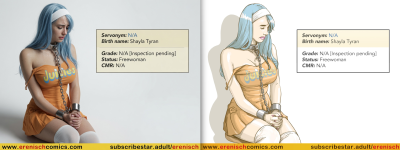
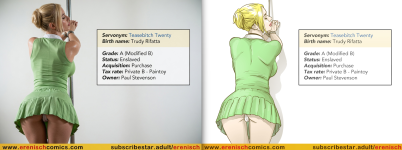
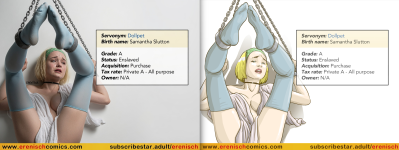
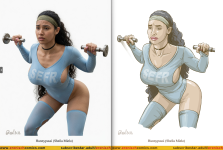
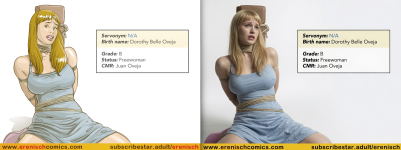
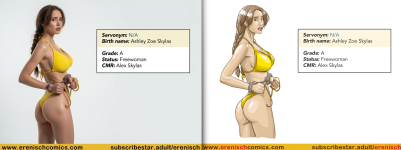
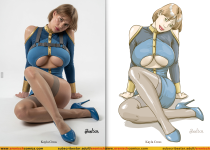
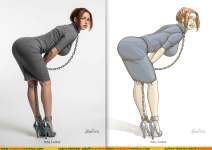
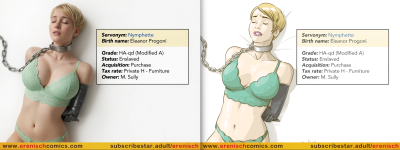
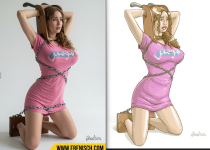
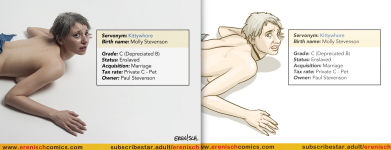
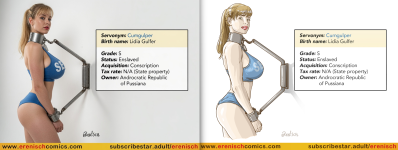
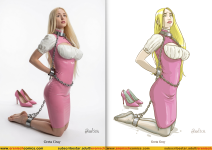
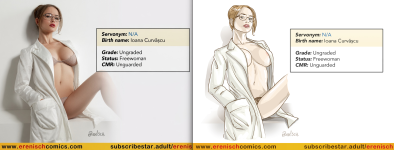
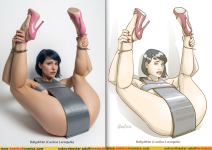
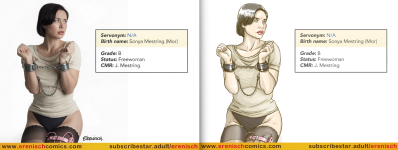
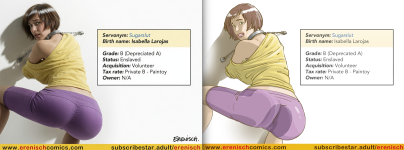
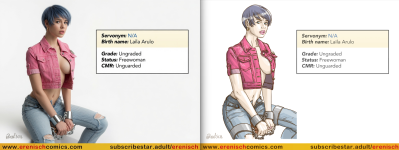
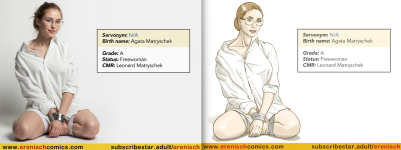
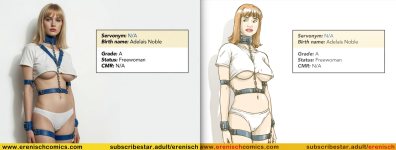
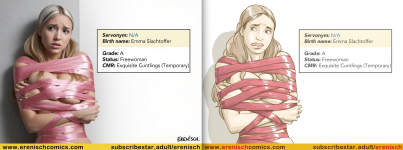
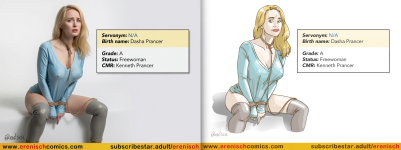
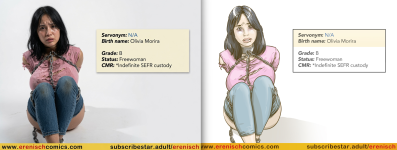
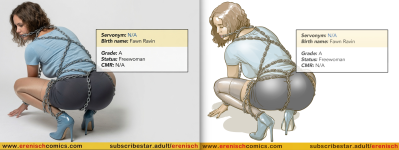
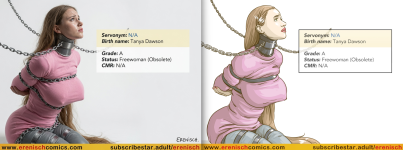
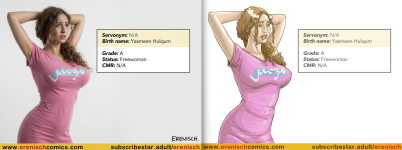
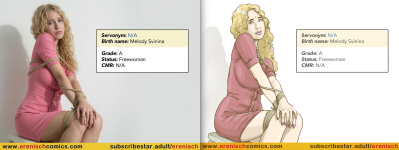
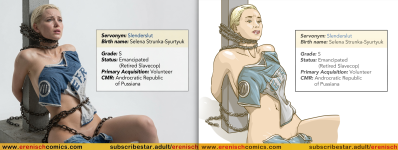
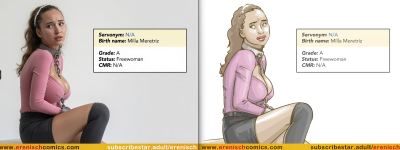
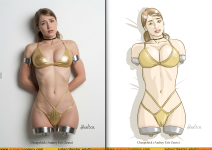
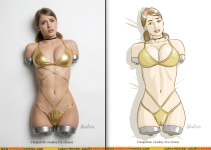
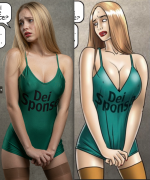
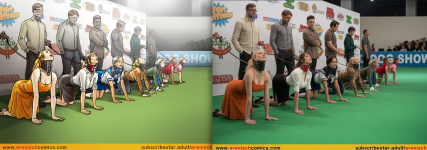
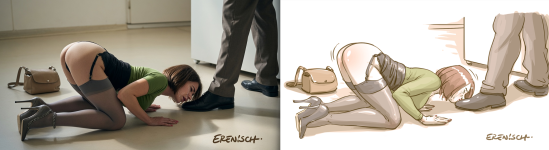
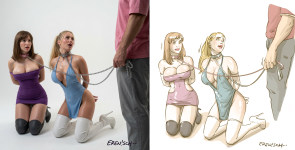
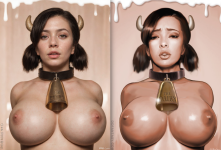
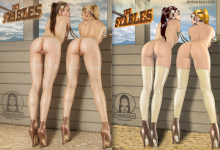
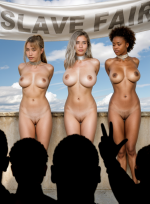
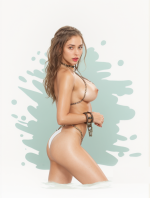
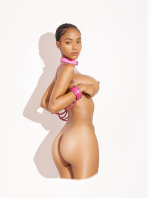
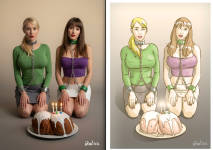
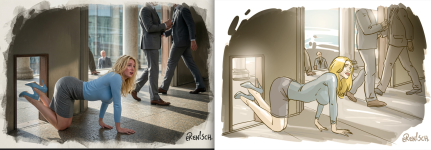
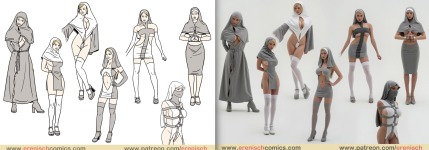
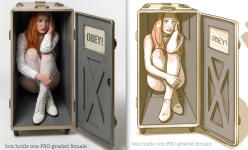
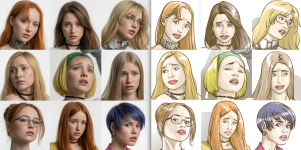
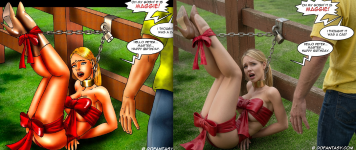
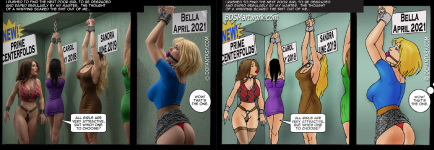
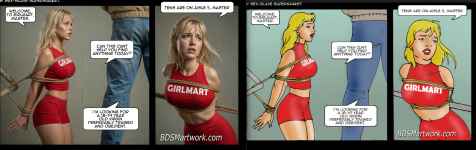
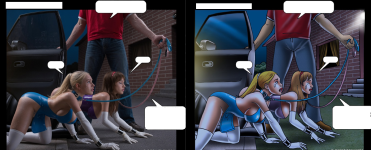
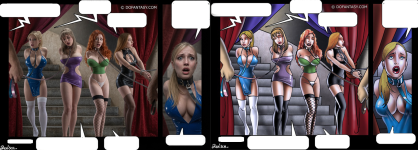
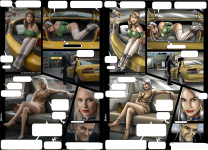
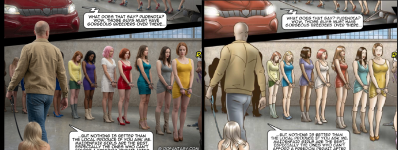
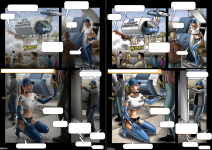
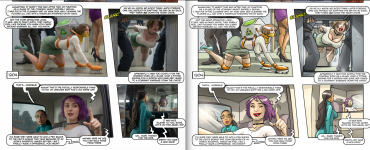
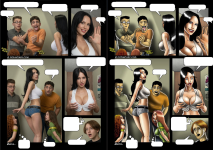
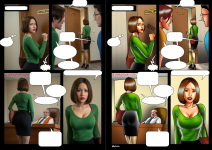
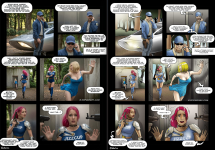
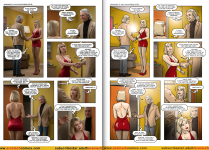
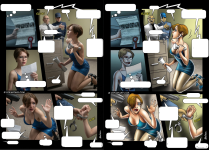
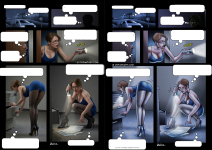
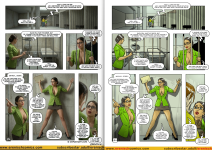
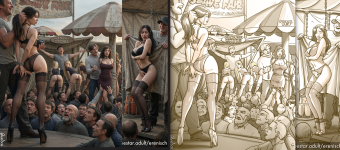
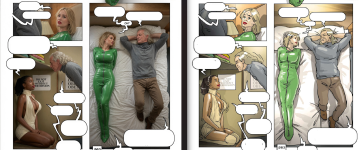
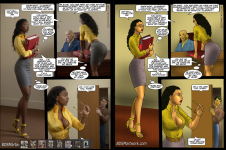
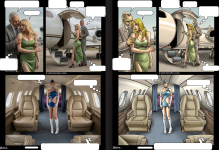
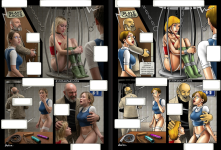
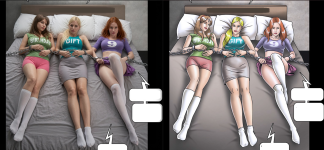
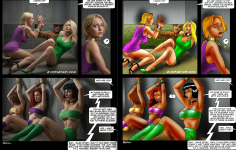
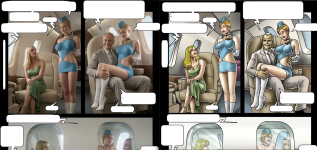
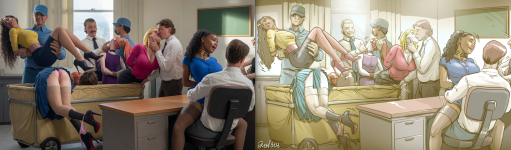
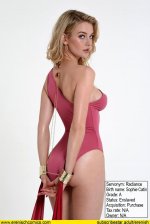
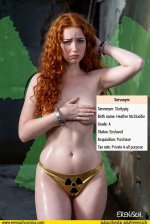
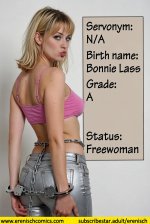
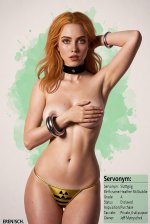
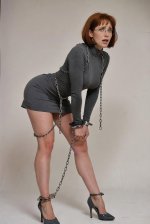
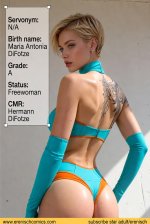
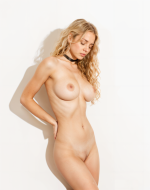
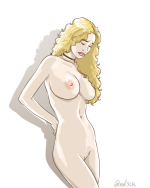
Hi everyone. I’ve long been a fan of the author Erenisch, and I’ve always wanted to see—or imagine—what the heroines of his\her works would look like in real life. So, I decided to share a few of my creations with you. If you like them, I can post the rest of my edits here as well. I’m posting them in a "before and after" comparison format. If that’s not convenient, I can post them separately.
_cf3ed9f6b28f0652bbc7a4866b555d53.png_c5183a8d940bc70217fa209761532d18.png_5e0b57f369997e14f35fdfae2b8ca009.png_76c868134d37b5d47b28a1b3fe22bfcd.png_b0cd3ac7f85fde339d98bf39d33c662a.png_d969a9a80c4352393cf77aa243dec7bc.png_25db1c14a7b207139f182d5634dd24c2.png_e28f0f2d26ff94d39b85db35f7b7a28a.png_2f36d9f1b137dc1b3ae85e6cce107529.png_2d8a28c2bfbc39863b2debd619980b9b.png_c0dfa7d5791b5325f5cfe68a52659811.png_148bd49eab479656a320efa4c5dae28b.png_5f0fe3b639166f99166f379cd1907a85.png_2936699839149ab17ed61fb51cb71794.png_4bb53dbe95f6052293b4c1395ac4ea31.png_a2eeed3523c3712d2ea44128271b7621.png_8e4d2438202efa631d342f9848b88091.png_21677d1a950005daf3c031831099bdf0.png_1c55b7d60f2137ebdea61be0111bb7ea.png_901298505c2ba18d6eb8651c810c8e02.png_aa32ef3857d97da983444c7d52d8eb7f.png_f4ed1ac0428d17cd6ac1e5af94bb7038.png_442c945a090c3c455a653c7b08563930.png_aa6f19f2a3acf7941d6e105558aac5c7.png_3ef39f3b458ad934028f587303c6a75b.png_a3017571aaebc7b08283602c956a7ede.png_2d3674e4a2bb20c3c1865ba0c5b57a69.png_d682857cf288cd9f3841a9e148982437.png
 
Dear Partyzan,

Thanks so much for sharing this great job.
I would like to do the same with some images like Erenisch and another great artist.
Could you please guide me and let me know if you are paying for any AI tools or there are something I can install locally or run online to do this conversion.

Thanks again, great job.
 
Here are a few more snippets of my attempts at making comics. It’s a pretty painstaking process, though, so for now, I’ll stick to practicing with standalone pieces.

Знімок екрана 2026-06-23 002954.pngЗнімок екрана 2026-06-28 175640.pngЗнімок екрана 2026-06-28 180121.pngЗнімок екрана 2026-06-28 181753.pngЗнімок екрана 2026-06-28 181936.pngЗнімок екрана 2026-06-28 182221.pngЗнімок екрана 2026-07-01 232455.pngЗнімок екрана 2026-07-01 232558.pngЗнімок екрана 2026-07-01 232831.pngЗнімок екрана 2026-07-01 232916.pngЗнімок екрана 2026-07-01 233131.pngЗнімок екрана 2026-07-01 233239.pngЗнімок екрана 2026-07-01 233522.pngЗнімок екрана 2026-07-01 233608.pngЗнімок екрана 2026-07-01 233816.pngЗнімок екрана 2026-07-01 233849.pngЗнімок екрана 2026-07-03 162930.pngЗнімок екрана 2026-07-03 220802.pngЗнімок екрана 2026-07-03 220825.pngЗнімок екрана 2026-07-03 220844.pngЗнімок екрана 2026-07-05 170607.pngЗнімок екрана 2026-07-05 170744.pngЗнімок екрана 2026-07-19 214006.pngЗнімок екрана 2026-07-19 214029.pngЗнімок екрана 2026-07-19 214039.pngЗнімок екрана 2026-07-19 214050.pngЗнімок екрана 2026-07-19 214115.pngЗнімок екрана 2026-07-19 214150.png Знімок екрана 2026-07-05 170526.png
 
Dear Partyzan,

Thanks so much for sharing this great job.
I would like to do the same with some images like Erenisch and another great artist.
Could you please guide me and let me know if you are paying for any AI tools or there are something I can install locally or run online to do this conversion.

Thanks again, great job.
Hi,

Thanks for the kind words!

To answer your question directly: I do not pay for any AI tools or subscriptions. Everything in this workflow is completely free, open-source, and runs locally on consumer PC hardware.

If you want to set up the exact same pipeline to convert stylized art (like Erenisch’s work) into realism, here is what you need and what to expect:

What You Need (100% Free & Local)​

  1. The Core UI: AUTOMATIC1111 WebUI or SD-WebUI-Forge (Forge is generally lighter on VRAM and faster).
  2. Base Model: A photorealistic checkpoing for Stable Diffusion 1.5 (such as Realistic Vision v5.1/v6.0, epiCRealism, or CyberRealistic from Civitai).
  3. ControlNet Extension & Models (v1.1 for SD 1.5):
    • Depth (depth_zoe or depth_midas): The most important module. It reads 3D space, volume, and camera angles without copying the 2D ink strokes into the render.
    • OpenPose (openpose_full): To accurately lock human poses, hands, and body proportions.
    • (Optional) Lineart or Canny: Keep their weight very low (~0.3–0.4) and cut them off early (ending step ~0.4), otherwise they will bake 2D lines and crosshatching directly onto realistic skin.
  4. ADetailer Extension: Automatically detects and inpaints faces (face_yolov8s.pt) and hands (hand_yolov8n.pt) with targeted prompts, which is essential because SD 1.5 smudges faces on medium and wide shots.
  5. Local Vision Model (VLM): I use an uncensored local instance of Qwen-VL to scan the original artwork and translate the visual scene into descriptive, photorealistic physical tags (lighting, materials, textures, anatomy) formatted strictly for SD 1.5, stripping away all 2D comic/illustration terms.

Hardware Requirements​

You don't need an enterprise setup, but you do need an NVIDIA GPU with at least 8 GB of VRAM (12 GB+ is ideal for running ControlNet and ADetailer smoothly without out-of-memory errors).

Can You Run It Online for Free?​

If your local hardware isn't powerful enough, you can look into free cloud options like Google Colab (running WebUI notebooks) or platforms like Kaggle. However, keep in mind:

  • Commercial online generators (Midjourney, DALL-E, etc.) will not work well here: they lack this fine-grained ControlNet/ADetailer stack, and their strict content filters often block raw, expressive, or mature artwork.
  • Free cloud tiers often have time limits, session disconnects, and restrictions on certain models. Running it on your own machine is by far the most reliable route.

A Quick Word of Caution​

This isn't a one-click "converter filter." Recreating complex art styles like Erenisch's requires manual prep work:

  • You often have to manually clean up speech bubbles, SFX, and text in Photoshop or via inpainting beforehand.
  • Getting consistent character faces across multiple panels remains a challenge and usually requires training custom LoRAs or using reference tools like IP-Adapter.
Take it step by step—start by setting up WebUI with ControlNet Depth, and experiment from there!

By the way, another viable approach is to ditch ControlNet entirely and simply generate scenes purely from the descriptive prompt produced by the vision model (or even run that prompt through modern uncensored checkpoints like SDXL, Pony-based merges, or dev builds of Flux).

The obvious downside to this is the total loss of the 1:1 structural link to the source material: you will lose the exact framing, specific panel angles, identical poses, and recognizable character designs from the original comic.

However, the upside is creative freedom. Without the rigid geometric constraints of a depth map or lineart holding the diffusion process back, the model can generate significantly more natural skin folding, dynamic cinematic lighting, believable drapery, and realistic body mechanics. The final result won't be an exact replica of the comic panel, but purely as an aesthetic standalone artwork, you might actually end up liking the outcome much better.
If your goal is a faithful frame-by-frame adaptation, you need ControlNet. If your goal is simply to create stunning realistic art inspired by the mood and setting of the comic, dropping ControlNet and letting the model handle the whole scene often gives much more aesthetic results.
I've attached a couple of examples below generated purely from the prompt, so you can see what I mean.

8dfYI.jpg9yO4S.jpgaLovS.jpgAxN5Z.jpgCamaa.jpgFlyzi.jpggLiQF.jpgnuRhR.jpgostKh.jpgUCAI5.jpgXWpo5.jpg
 
Dear Partyzan,

Thanks so much for sharing this great job.
I would like to do the same with some images like Erenisch and another great artist.
Could you please guide me and let me know if you are paying for any AI tools or there are something I can install locally or run online to do this conversion.

Thanks again, great job.
And to top it all off, there's a certain problem with the original's proportions (especially with the male genitalia as seen here):LOL::LOL::LOL:
Знімок екрана 2026-09-30 205436.png
 
Hi Partyzan,

Thanks for all the information.
I will follow all the indications and I hope I can get an awesome job like you.

I know everything is time consuming.

Thanks
 
Hi Partyzan, BIG THX for your Fanart! Regard it really interesting. As in your last posted example, AI works great used with skills, but imO still fails to mirror Erenisch`s often delicate facial expressions... (no offense, really appreciate your Work... )
 
Hi Partyzan, BIG THX for your Fanart! Regard it really interesting. As in your last posted example, AI works great used with skills, but imO still fails to mirror Erenisch`s often delicate facial expressions... (no offense, really appreciate your Work... )
Thanks! I was just about to figure out how to preserve the expressiveness of the originals—especially in scenes with many characters who are experiencing conflicting emotions. I experimented with a realistic style simply as a way to look at the characters' appearances. It was interesting to see what they would look like, and so on—especially with the older pieces (where the proportions were a bit of a mess :LOL: ).
 
Aside from generating and converting images, I've also been experimenting quite a bit with upscaling—specifically trying to push skin textures, fine micro-details, and overall crispness without losing the original character likeness or composition.

image(9).pngЗнімок екрана 2026-09-27 133015.png
 
And to top it all off, there's a certain problem with the original's proportions (especially with the male genitalia as seen here):LOL::LOL::LOL:
View attachment 3028721
Personally I have always thought the disproportionately well endowed men of the E-verse was intentional. Showing that all the drugs in their food and water to make them aggressively horny monsters was slowly mutating them. The creature from Cumgulper vs. The Cult being a preview of things to come. A flip side of all the bioengineering to make women hot , no less ridiculously well endowed, and compliant.

Also these images are amazing. I normally dislike AI 'art', but I can support using it to simply revisualize an artist's work. Especially when the original creator is fully credited.
 
Last edited:
Really enjoyed these. AI art is still a bit of a question mark for me. I see it in a lot of games and stories, and I have to see I prefer it to a lot of the off hand art seen there. That said a lot of it is fairly generic, bland and has some goofs (ie, odd number of fingers, displaced parts, etc.). But these show real promise. E has set the tone, structure and pose so most of the AI goofs are gone. I would say it still needs work on facial expressions. E can really pack a lot in a single look that perfectly fits the dialog. This would be really great if E could use AI tools like this to increase her output! Well, one can hope. Would enjoy seeing more of these, particularly the early issues of work E produced. So please keep up the good work.
 
Hi,

Thanks for the kind words!

To answer your question directly: I do not pay for any AI tools or subscriptions. Everything in this workflow is completely free, open-source, and runs locally on consumer PC hardware.

If you want to set up the exact same pipeline to convert stylized art (like Erenisch’s work) into realism, here is what you need and what to expect:

What You Need (100% Free & Local)​

  1. The Core UI: AUTOMATIC1111 WebUI or SD-WebUI-Forge (Forge is generally lighter on VRAM and faster).
  2. Base Model: A photorealistic checkpoing for Stable Diffusion 1.5 (such as Realistic Vision v5.1/v6.0, epiCRealism, or CyberRealistic from Civitai).
  3. ControlNet Extension & Models (v1.1 for SD 1.5):
    • Depth (depth_zoe or depth_midas): The most important module. It reads 3D space, volume, and camera angles without copying the 2D ink strokes into the render.
    • OpenPose (openpose_full): To accurately lock human poses, hands, and body proportions.
    • (Optional) Lineart or Canny: Keep their weight very low (~0.3–0.4) and cut them off early (ending step ~0.4), otherwise they will bake 2D lines and crosshatching directly onto realistic skin.
  4. ADetailer Extension: Automatically detects and inpaints faces (face_yolov8s.pt) and hands (hand_yolov8n.pt) with targeted prompts, which is essential because SD 1.5 smudges faces on medium and wide shots.
  5. Local Vision Model (VLM): I use an uncensored local instance of Qwen-VL to scan the original artwork and translate the visual scene into descriptive, photorealistic physical tags (lighting, materials, textures, anatomy) formatted strictly for SD 1.5, stripping away all 2D comic/illustration terms.

Hardware Requirements​

You don't need an enterprise setup, but you do need an NVIDIA GPU with at least 8 GB of VRAM (12 GB+ is ideal for running ControlNet and ADetailer smoothly without out-of-memory errors).

Can You Run It Online for Free?​

If your local hardware isn't powerful enough, you can look into free cloud options like Google Colab (running WebUI notebooks) or platforms like Kaggle. However, keep in mind:

  • Commercial online generators (Midjourney, DALL-E, etc.) will not work well here: they lack this fine-grained ControlNet/ADetailer stack, and their strict content filters often block raw, expressive, or mature artwork.
  • Free cloud tiers often have time limits, session disconnects, and restrictions on certain models. Running it on your own machine is by far the most reliable route.

A Quick Word of Caution​

This isn't a one-click "converter filter." Recreating complex art styles like Erenisch's requires manual prep work:

  • You often have to manually clean up speech bubbles, SFX, and text in Photoshop or via inpainting beforehand.
  • Getting consistent character faces across multiple panels remains a challenge and usually requires training custom LoRAs or using reference tools like IP-Adapter.
Take it step by step—start by setting up WebUI with ControlNet Depth, and experiment from there!

By the way, another viable approach is to ditch ControlNet entirely and simply generate scenes purely from the descriptive prompt produced by the vision model (or even run that prompt through modern uncensored checkpoints like SDXL, Pony-based merges, or dev builds of Flux).

The obvious downside to this is the total loss of the 1:1 structural link to the source material: you will lose the exact framing, specific panel angles, identical poses, and recognizable character designs from the original comic.

However, the upside is creative freedom. Without the rigid geometric constraints of a depth map or lineart holding the diffusion process back, the model can generate significantly more natural skin folding, dynamic cinematic lighting, believable drapery, and realistic body mechanics. The final result won't be an exact replica of the comic panel, but purely as an aesthetic standalone artwork, you might actually end up liking the outcome much better.
If your goal is a faithful frame-by-frame adaptation, you need ControlNet. If your goal is simply to create stunning realistic art inspired by the mood and setting of the comic, dropping ControlNet and letting the model handle the whole scene often gives much more aesthetic results.
I've attached a couple of examples below generated purely from the prompt, so you can see what I mean.

View attachment 3028709View attachment 3028710View attachment 3028711View attachment 3028712View attachment 3028713View attachment 3028714View attachment 3028715View attachment 3028716View attachment 3028717View attachment 3028718View attachment 3028719

Just a short addition... you don't actually need an Nvidia graphics card. If you're running Windows or Linux the Nvidia graphics card will speed things up by a factor of about 25 but there are software work arounds to using the cuda software layer in the Nvidia graphics. Plus if you're using a Mac the unified graphics (while still slower than Nvidia) are pretty close. I'm about slower than Nvidia on my setup, but not by much. I'm using a MacBook and ComfyUI instead of Automatic1111.
 
Just a short addition... you don't actually need an Nvidia graphics card. If you're running Windows or Linux the Nvidia graphics card will speed things up by a factor of about 25 but there are software work arounds to using the cuda software layer in the Nvidia graphics. Plus if you're using a Mac the unified graphics (while still slower than Nvidia) are pretty close. I'm about slower than Nvidia on my setup, but not by much. I'm using a MacBook and ComfyUI instead of Automatic1111.
Thanks for this info. So basically, just replace Automatic1111 with ComfyUI?

What is your setup exactly and how long do you take to generate an image?

Love this post & Partyzan's work btw !
btw!
 
Thanks for this info. So basically, just replace Automatic1111 with ComfyUI?

What is your setup exactly and how long do you take to generate an image?

Love this post & Partyzan's work btw !
btw!
No, ComfyUI takes a little more work than that but it's pretty straightforward once you learn the basics. If you look in the thread where everyone posts their images along with prompts you'll see a couple of posts from me. Those .png images I posted there include the full workflows I was using at the time. If you download and install ComfyUI then put one of those png's I posted into it you'll see my prompt plus the whole workflow. You'll also see the exact AI models I was using so if you need to download something you'll know where to look.

If you do that and has some specific questions I'd be more than happy to help. Feel free to msg me and I'll do whatever I can to help. I'm not a ComfyUI expert but I know how to get some pretty good images out of it. IMO it gives you a lot more creative control than Automatic1111 gives you and even more than the online generators that cost money per token for use.
 
Back
Top