
nethoc
Member
I'm currently gaining experience running AI on my 3D images. The faces and hands must always remain exactly as they are in the original rendered image, as must the poses and lighting. What I change are textures and small details, such as skin wrinkles, wet skin, and making the background more realistic. That means I take an AI image, place it behind my rendered image in Photoshop, and start erasing things with the eraser tool so that parts like the background are simply replaced with a more realistic version. Of course, this only works if the poses and color ratios are the same, so I guarantee that I’ve rendered every single image myself. You can still tell with many of them.
Attached, of course, are the first few images to illustrate this, from a comic that was created using this method.
Sorry that they’re still in my native language, German; I’ll just add some text to the images so I don’t lose my train of thought.
nethoc
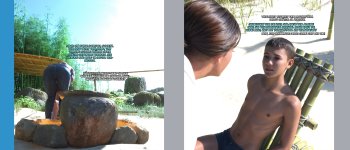
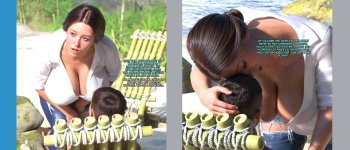







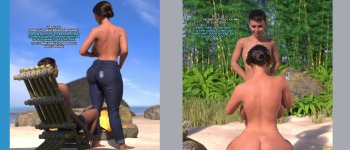

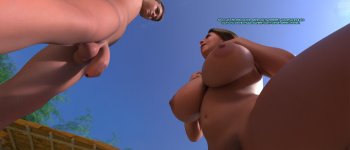

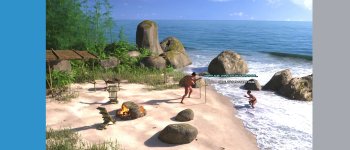
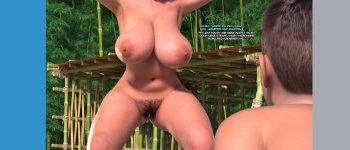
Attached, of course, are the first few images to illustrate this, from a comic that was created using this method.
Sorry that they’re still in my native language, German; I’ll just add some text to the images so I don’t lose my train of thought.
nethoc