Navigation
Install the app
How to install the app on iOS
Follow along with the video below to see how to install our site as a web app on your home screen.
Note: This feature may not be available in some browsers.
More options
Style variation
You are using an out of date browser. It may not display this or other websites correctly.
You should upgrade or use an alternative browser.
You should upgrade or use an alternative browser.
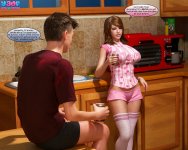
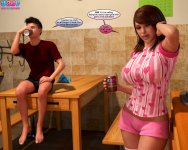
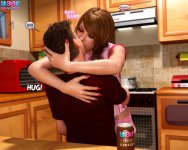
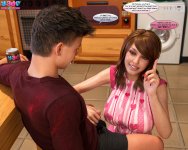
[shtorm2005] My personal pics (AI Generated) + Comic Remasters
- Thread starter shtorm2005
- Start date
- Technical Tags ai-gen
- Character Tags big-ass big-tits milf



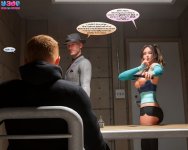
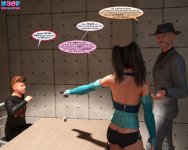

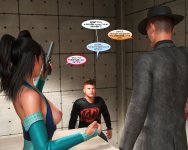
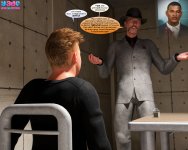
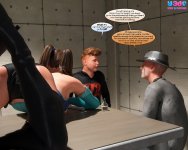

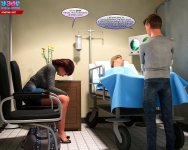
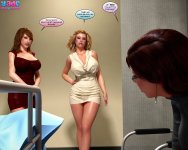
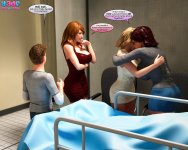





































Kamadeva69
Well-known member





Kamadeva69
Well-known member
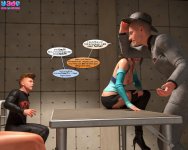
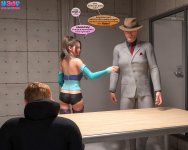
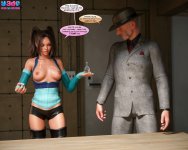
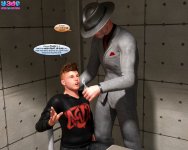
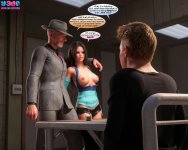
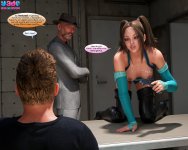
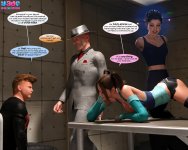
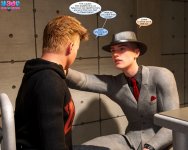
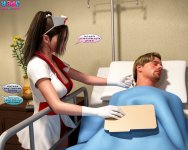
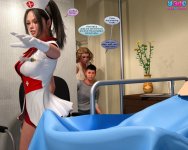
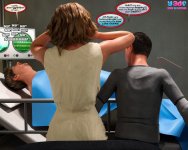
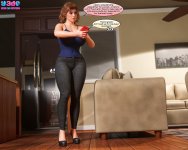
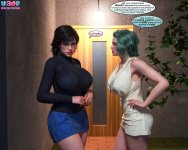
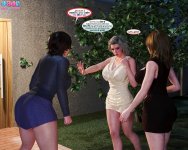
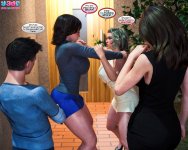
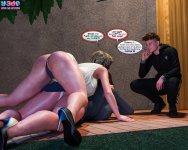
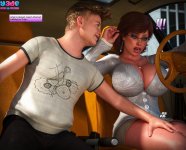
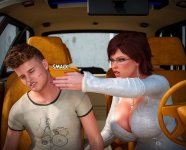
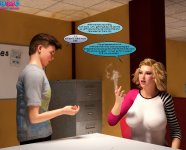
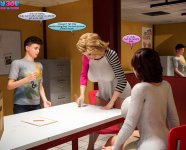
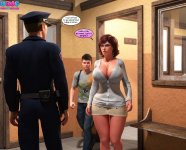
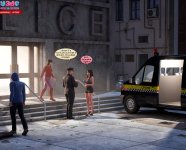
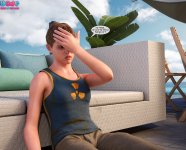
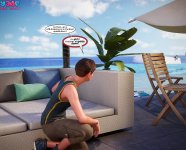
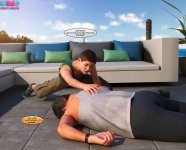
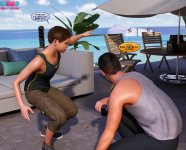
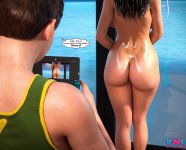
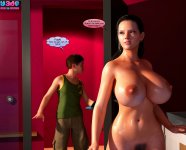
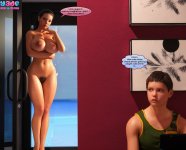
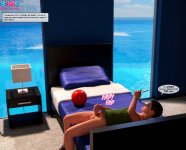
Kalevra saga comics remastering progress = 62%
Last edited:
Kamadeva69
Well-known member



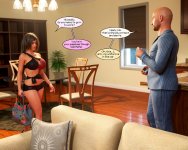
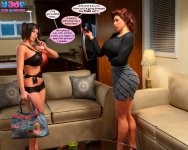
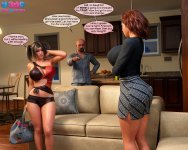
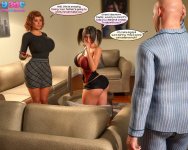
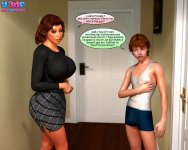
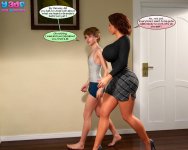



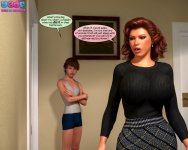
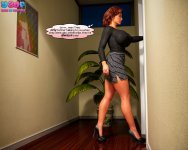



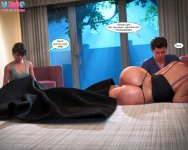



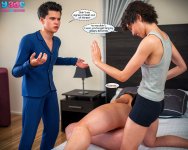

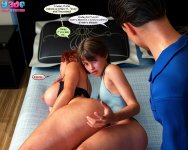

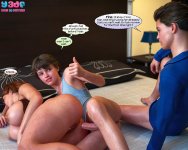



























Kamadeva69
Well-known member


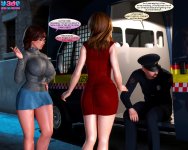
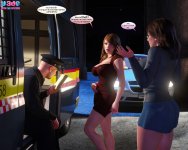
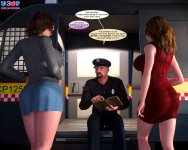
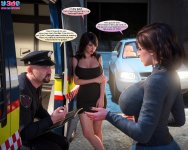
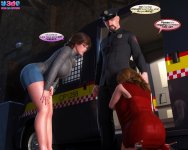
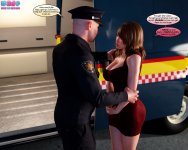
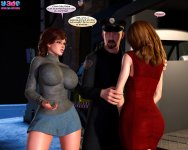
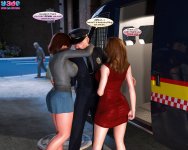
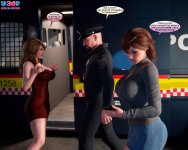
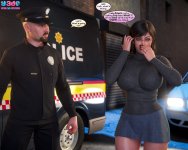
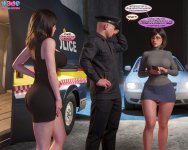
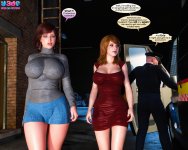

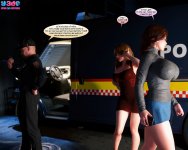
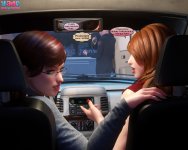
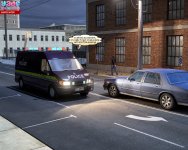
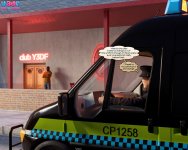





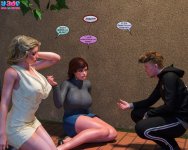
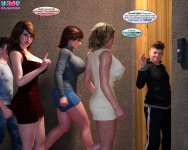
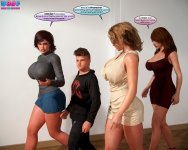
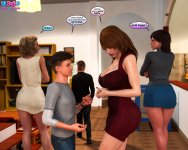
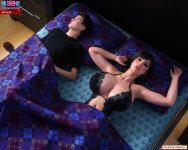
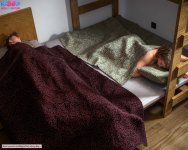
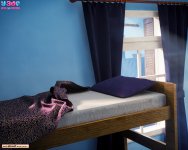


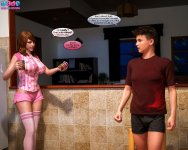
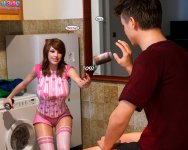

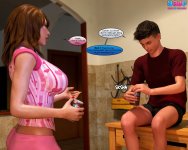
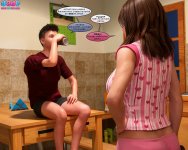

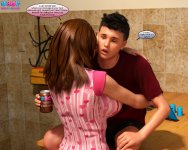








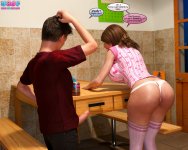
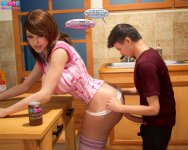




Kamadeva69
Well-known member
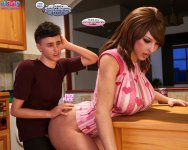
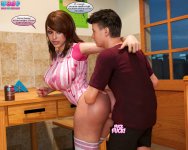







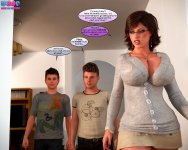





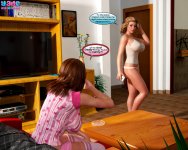

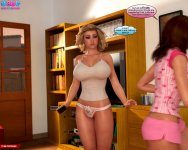
Kamadeva69
Well-known member


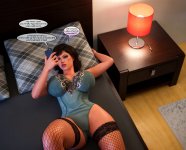



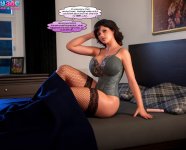
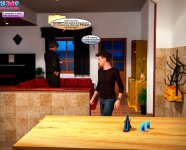
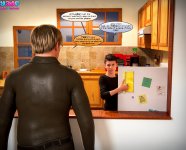
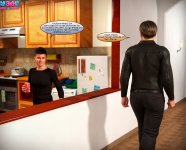
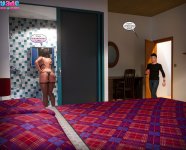


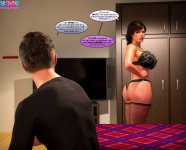
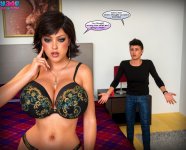
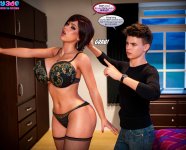











Kamadeva69
Well-known member



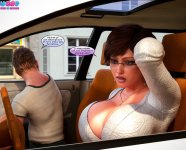
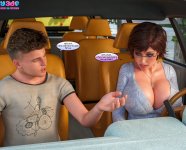
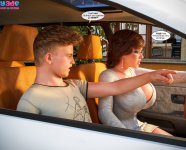
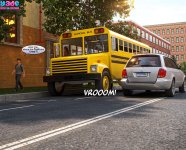

















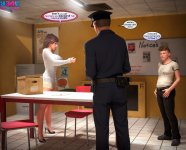
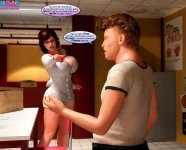

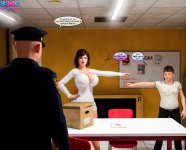
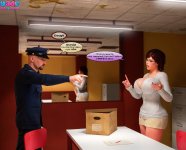
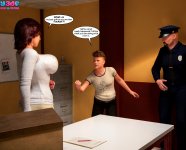

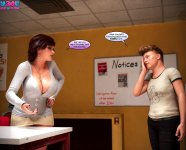
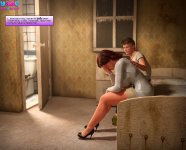
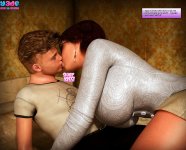



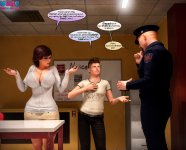
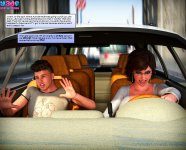
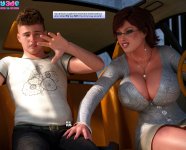
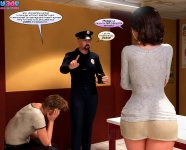




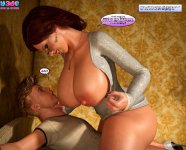
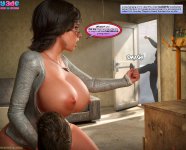
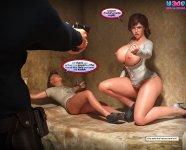
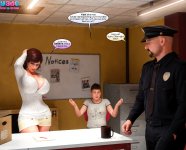

Kamadeva69
Well-known member

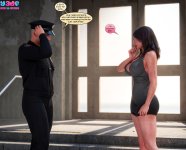
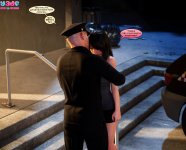
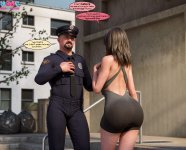
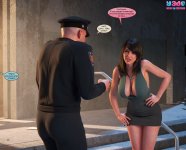


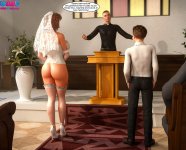
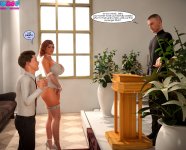
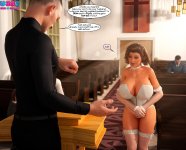
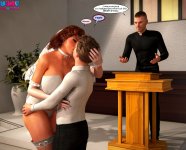


























Kamadeva69
Well-known member
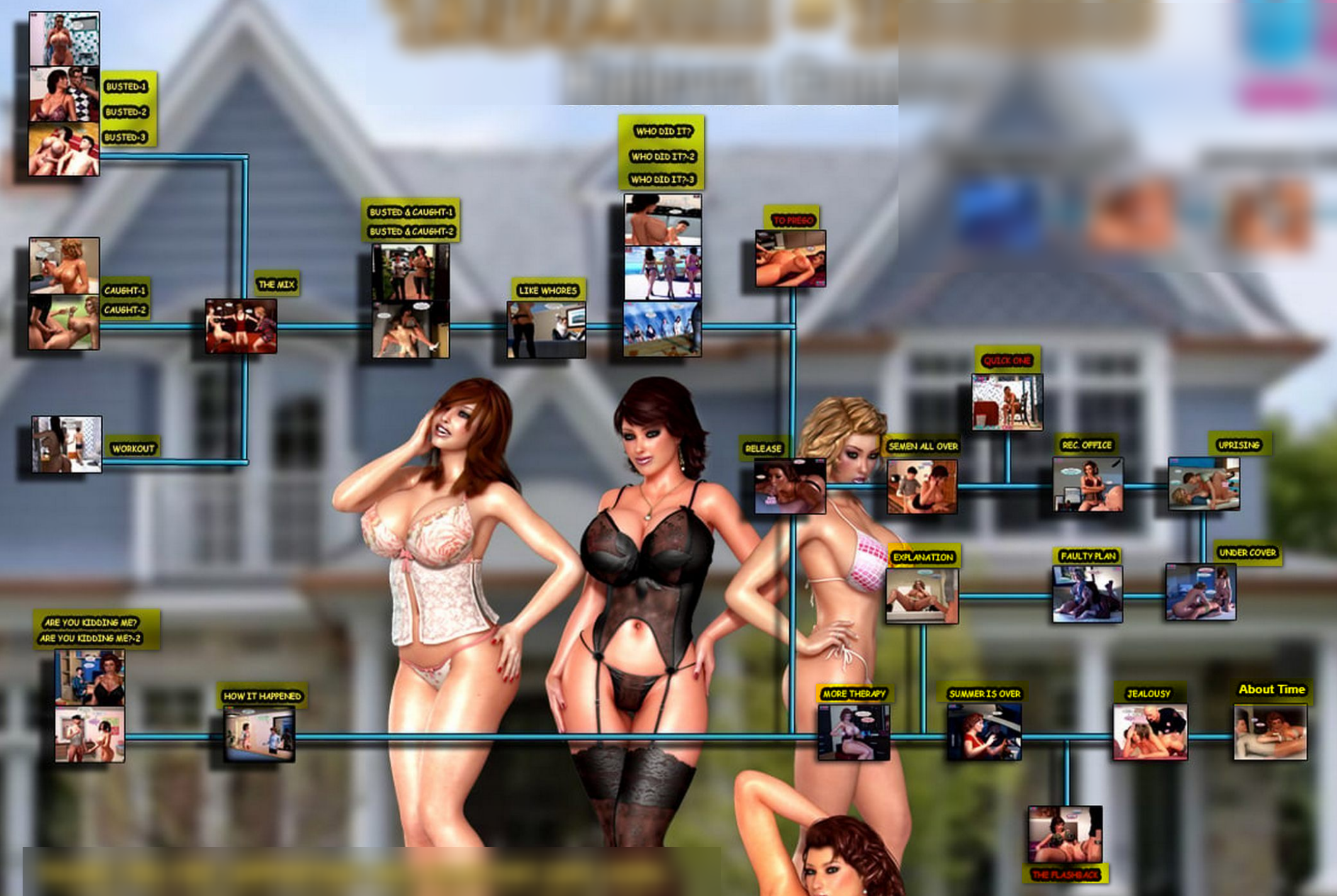
Kalevra saga comics remastering progress = 74%

shtorm2005
Active member
Hi guys, sorry I haven’t been posting anymore. I’m pretty burned out after doing a couple thousand pages. Maybe I’ll find the joy in it again sometime in the future.
Btw, there’s a new DLSS 5 release, and someone has already built an app that can convert images and videos using it. It works on various NVIDIA cards from the 2000 to 5000 series and it’s pretty fast. The results range from good to questionable, but it’s definitely worth trying.
Just download the latest release and click Start.

 github.com

Btw, there’s a new DLSS 5 release, and someone has already built an app that can convert images and videos using it. It works on various NVIDIA cards from the 2000 to 5000 series and it’s pretty fast. The results range from good to questionable, but it’s definitely worth trying.
Just download the latest release and click Start.
Releases · Merserk/dlss5-visual-enhancer
DLSS 5 Neural Video & Image Enhancer with Frame Interpolation - Merserk/dlss5-visual-enhancer
github.com
Last edited:
Kamadeva69
Well-known member
Hi guys, sorry I haven’t been posting anymore. I’m pretty burned out after doing a couple thousand pages. Maybe I’ll find the joy in it again sometime in the future.
Btw, there’s a new DLSS 5 release, and someone has already built an app that can convert images and videos using it. It works on various NVIDIA cards from the 2000 to 5000 series and it’s pretty fast. The results range from good to questionable, but it’s definitely worth trying.
Just download the latest release and click Start.
Releases · Merserk/dlss5-visual-enhancer
DLSS 5 Neural Video & Image Enhancer with Frame Interpolation - Merserk/dlss5-visual-enhancer
View attachment 2949160View attachment 2949161
Hello Shtorm, thank you very much for this share again
I have dowloaded it and try it but no seen as lot of changes as ConfyUI in the result
Maybe not using the good settings,
Could you share yours ?
Thank you
shtorm2005
Active member
Hi! No, DLSS 5 isn’t intended to make major changes. It just makes the image look slightly more realistic. ComfyUI with the FLUX Klein model is on another level, but it also takes about 10x longer to generate.Hello Shtorm, thank you very much for this share again
I have dowloaded it and try it but no seen as lot of changes as ConfyUI in the result
Maybe not using the good settings,
Could you share yours ?
Thank you
The purpose of DLSS 5 is to modify the image on the fly while you’re playing a game. You can check out some videos on YouTube to see the difference between DLSS 5 on and off.
I don’t think it’s particularly useful for comic remastering, but it can give the image a final touch if you want it to look more realistic.
You can increase the default settings, but I can’t really guide you on that. I’m new to this too, just like you.
Kamadeva69
Well-known member
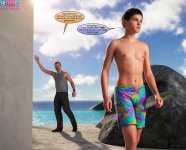
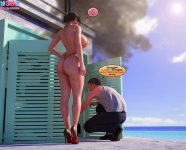
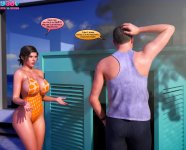
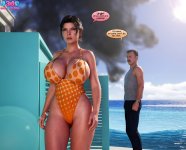







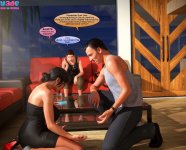
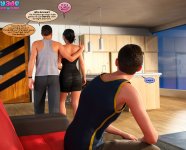
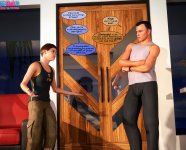
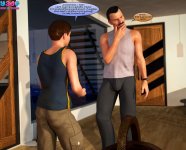
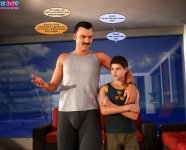
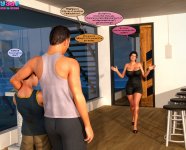
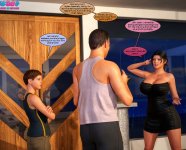
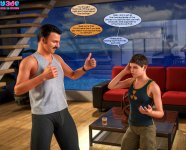

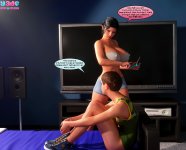
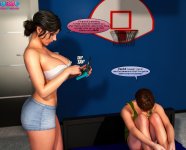
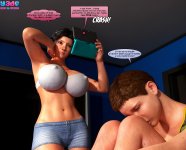
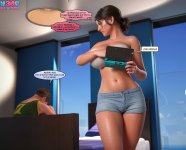















Kamadeva69
Well-known member






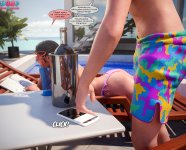
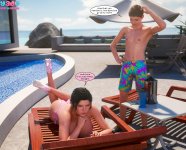
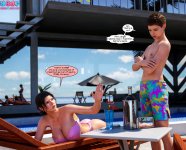




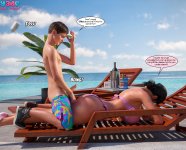

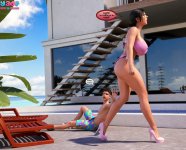
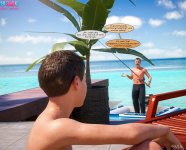

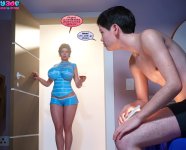
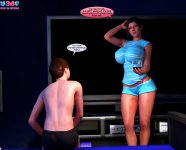









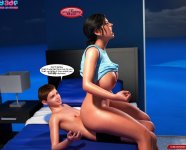
Kamadeva69
Well-known member

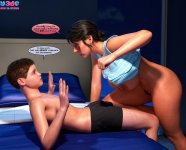
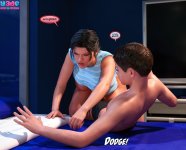
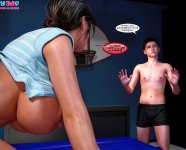


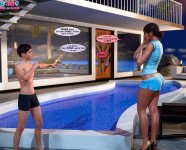
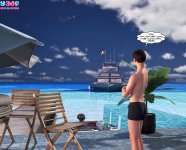
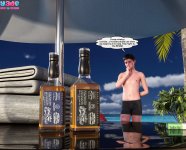

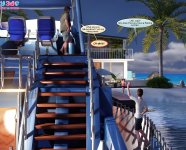



























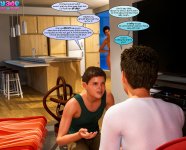
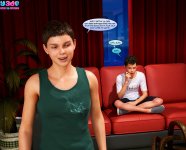
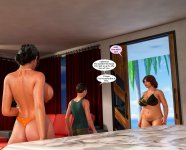
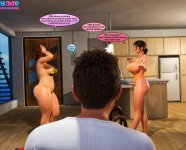










boobrianz
New member
Hi guys, sorry I haven’t been posting anymore. I’m pretty burned out after doing a couple thousand pages. Maybe I’ll find the joy in it again sometime in the future.
Btw, there’s a new DLSS 5 release, and someone has already built an app that can convert images and videos using it. It works on various NVIDIA cards from the 2000 to 5000 series and it’s pretty fast. The results range from good to questionable, but it’s definitely worth trying.
Just download the latest release and click Start.
Releases · Merserk/dlss5-visual-enhancer
DLSS 5 Neural Video & Image Enhancer with Frame Interpolation - Merserk/dlss5-visual-enhancer
View attachment 2949160View attachment 2949161
Bro, your work is seriously awesome! Btw, I wanted to ask, I’m still a newbie with AI. What app do you use to make these? Do you put in the prompt one by one for each image? I usually use Qwen Image Edit through Google Colab since my laptop is pretty old.
shtorm2005
Active member
No, its batch process with consistency lora. Its flux klein edit model. Just general prompt that modify: Photorealistic version of the input image, vibrant and colorful, enhance details to ultra-realistic quality, cinematic volumetric lighting, soft shadows, and textures,young skin texture, sharp focus, high resolution, no distortions or artifacts. avoid vignette effect. Increase detalization. Hope it helps.Bro, your work is seriously awesome! Btw, I wanted to ask, I’m still a newbie with AI. What app do you use to make these? Do you put in the prompt one by one for each image? I usually use Qwen Image Edit through Google Colab since my laptop is pretty old.
Kamadeva69
Well-known member



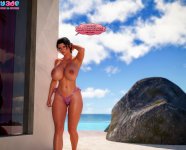

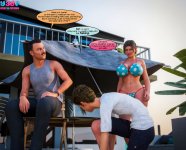

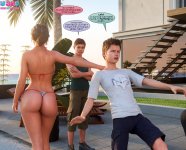

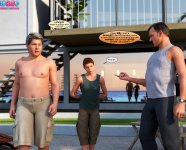

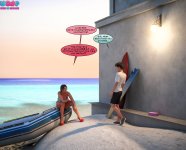

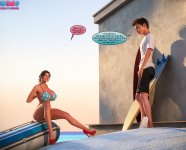
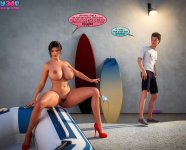



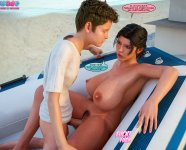


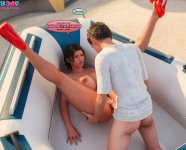






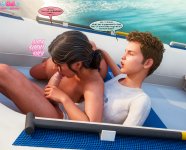








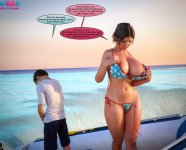
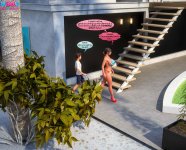


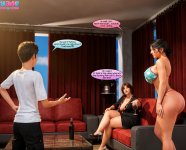
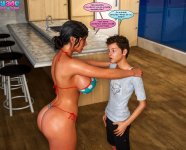


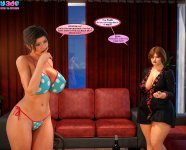
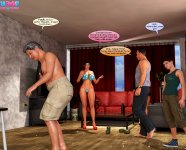
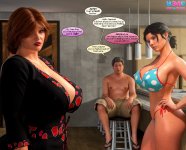
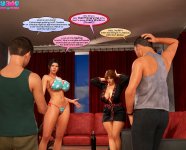
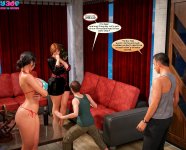

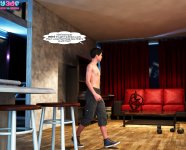

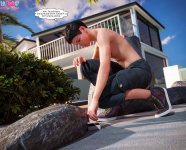
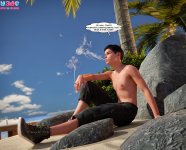
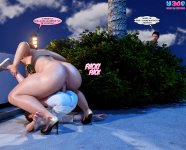
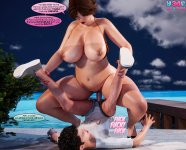


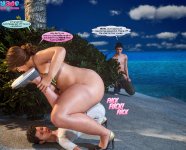

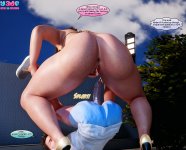


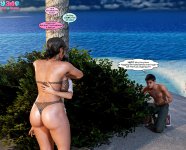

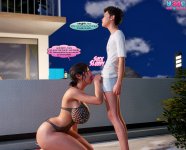
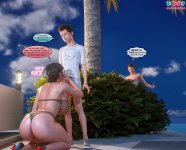
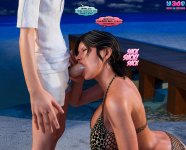
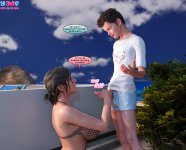
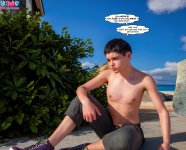
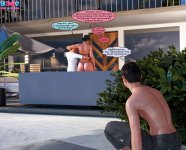
Before someone telling me where are pages after 80 : they simply do not exist in the net,
if someone has them please send me and I will proceed them.
Last edited:
Kamadeva69
Well-known member
Kalevra saga comics remastering progress = 83%