
Navigation
Install the app
How to install the app on iOS
Follow along with the video below to see how to install our site as a web app on your home screen.
Note: This feature may not be available in some browsers.
More options
Style variation
You are using an out of date browser. It may not display this or other websites correctly.
You should upgrade or use an alternative browser.
You should upgrade or use an alternative browser.
[Pigking/CrazyDad] Comics
- Thread starter pinheiroleo33
- Start date
- Character Tags big-ass milf
- Sexual/Kinks Tags incest



GHITA
Archiviste
The quality of the drawings, the poses, the wildness and especially the evolution of the dialogues, it is one of the best published works... we are very far from repetitive dialogues, there is real original work. Congratulations Teddy, I am amazedBy far the best is finally back... thank you


Jhony Cash (Trader)
Active member
Amazing!The quality of the drawings, the poses, the wildness and especially the evolution of the dialogues, it is one of the best published works... we are very far from repetitive dialogues, there is real original work. Congratulations Teddy, I am amazed

58_inches_of_hips
Active member
To the joy of many, Cynthia returned in style! And from what I could see, both here on the forum and on the official website, this last episode of "Lost Family", under the responsibility of Teddy, was very popular among those who appreciate our "Jenna Starr of zoophilia"!
GHITA
Archiviste
Absolutely, in less than 24 hours, LF's opus 76 has accumulated more than 800 views on the official website. This is unprecedented.To the joy of many, Cynthia returned in style! And from what I could see, both here on the forum and on the official website, this last episode of "Lost Family", under the responsibility of Teddy, was very popular among those who appreciate our "Jenna Starr of zoophilia"!

58_inches_of_hips
Active member
Magnificent! Stupendous! Spectacular! I simply loved this 16th episode of the series "Miranda." Besides the dialogue, the reflections, the foreplay, and the sex, I also enjoyed the fact that Juanito Brown introduced fans of the series to the bathroom in Miranda's house. The interior of this room had never been seen in any episode until now; the reader had only seen parts of it, which is adjacent to Miranda's bedroom. Congratulations , Juanito Brown, for another excellent work!

, Juanito Brown, for another excellent work!
Jhony Cash (Trader)
Active member
Automation of Poses and Rendering in Daz3D for 3D Comics: Avoiding Repetition and Creating Visual Continuity
When creating 3D comics, especially in styles like manga or erotic publications such as PigKing, one of the biggest challenges is preventing characters from appearing repetitive and static, which harms the naturalness and dynamism of the scenes.
To overcome this, an efficient approach is to use programming to automate the application of poses and rendering in Daz3D Studio, creating quick variations and maintaining the visual flow needed for the narrative.
Using Scripts to Apply Random Poses
Daz3D supports scripts in its own language (Daz Script, similar to JavaScript) that can automate the application of saved poses (.duf) to characters. A simple example of a script randomly selects a pose from a folder and applies it to the character, avoiding manual repetition of identical poses across multiple scenes.
This automation enables rapid variations, saving time and preventing the "rigid doll" effect common in static renders.
Application and Rendering Workflow
Since Daz3D replaces the current pose when applying a new one, it is important to save or render the scene after each application to preserve each different state. The ideal workflow involves:
- Applying a pose to the character.
- Saving or rendering the scene.
- Applying the next pose.
- Repeating the process.
This workflow can be partially automated by scripts that apply poses in sequence and command saving or rendering, reducing manual intervention.
Visual Continuity in 3D Comics
Even without smooth animation, the sequence of applied and rendered poses creates a sense of movement and visual continuity similar to traditional manga or comics. To enhance this naturalness:
- Vary torso tilts, head angles, and facial expressions.
- Adjust the camera for dynamic framing.
- Use consistent lighting to maintain the mood.
- Make small adjustments to hands, eyes, and posture to avoid stiffness.
These details combined with automation through scripts elevate scene quality and speed up chapter production.
Final Considerations
Integrating programming, either via Daz Script or Python in pipelines with Blender or iClone, allows speeding up the creation of varied poses and rendering scenes, avoiding repetitions that harm the visual narrative. This method is especially valuable for those working with serial publications, such as 3D manga or erotic comics, where agility without quality loss is essential.
Example Script to Apply Random Poses in Daz3D Studio
// Path to the folder where the .duf poses are stored
var poseFolder = "C:/MyPoses/";
var poseFiles = DzFile.findFiles(poseFolder, "*.duf");
if (poseFiles.length > 0) {
// Select a random pose
var randomPose = new DzFile(poseFiles[Math.floor(Math.random() * poseFiles.length)]);
var poseAsset = App.getAssetMgr().findAsset(randomPose.name);
if (poseAsset) {
poseAsset.openFile(); // Apply the pose to the active character
} else {
MessageBox.information("Pose not found.");
}
} else {
MessageBox.information("No poses found in the folder.");
}
Rian
Active member
One done. Let's hope forbidden desire 33 is next.Magnificent! Stupendous! Spectacular! I simply loved this 16th episode of the series "Miranda." Besides the dialogue, the reflections, the foreplay, and the sex, I also enjoyed the fact that Juanito Brown introduced fans of the series to the bathroom in Miranda's house. The interior of this room had never been seen in any episode until now; the reader had only seen parts of it, which is adjacent to Miranda's bedroom. Congratulations
View attachment 1679377


idontcare
Member
No, man, it's gotta be the next "big black cock"!One done. Let's hope forbidden desire 33 is next.


58_inches_of_hips
Active member
Hey, bro... How are you? Sorry I'm only replying to your message now. Yesterday was a holiday here in my home state, Brazil, and I took the opportunity to visit some of my girlfriend's relatives, who live in a city near my hometown. I got home about fifty minutes ago. And I think you're right. Most likely, PIGKING's next release will be chapter 33 of "Forbidden Desire - Remake," much to our delightOne done. Let's hope forbidden desire 33 is next.
 ! And then, it's possible that PIGKING will release chapter 27 of "Big Black Cocks." In my opinion, Juanito Brown demonstrated remarkable skill in writing the script for episode 16 of "Miranda."

anayachandra
Anaya Chandra
nice.. but can you tell where I gan download DAZ genesis 9 characters for free?Automation of Poses and Rendering in Daz3D for 3D Comics: Avoiding Repetition and Creating Visual Continuity
When creating 3D comics, especially in styles like manga or erotic publications such as PigKing, one of the biggest challenges is preventing characters from appearing repetitive and static, which harms the naturalness and dynamism of the scenes.
To overcome this, an efficient approach is to use programming to automate the application of poses and rendering in Daz3D Studio, creating quick variations and maintaining the visual flow needed for the narrative.
Using Scripts to Apply Random Poses
Daz3D supports scripts in its own language (Daz Script, similar to JavaScript) that can automate the application of saved poses (.duf) to characters. A simple example of a script randomly selects a pose from a folder and applies it to the character, avoiding manual repetition of identical poses across multiple scenes.
This automation enables rapid variations, saving time and preventing the "rigid doll" effect common in static renders.
Application and Rendering Workflow
Since Daz3D replaces the current pose when applying a new one, it is important to save or render the scene after each application to preserve each different state. The ideal workflow involves:
- Applying a pose to the character.
- Saving or rendering the scene.
- Applying the next pose.
- Repeating the process.
This workflow can be partially automated by scripts that apply poses in sequence and command saving or rendering, reducing manual intervention.
Visual Continuity in 3D Comics
Even without smooth animation, the sequence of applied and rendered poses creates a sense of movement and visual continuity similar to traditional manga or comics. To enhance this naturalness:
- Vary torso tilts, head angles, and facial expressions.
- Adjust the camera for dynamic framing.
- Use consistent lighting to maintain the mood.
- Make small adjustments to hands, eyes, and posture to avoid stiffness.
These details combined with automation through scripts elevate scene quality and speed up chapter production.
Final Considerations
Integrating programming, either via Daz Script or Python in pipelines with Blender or iClone, allows speeding up the creation of varied poses and rendering scenes, avoiding repetitions that harm the visual narrative. This method is especially valuable for those working with serial publications, such as 3D manga or erotic comics, where agility without quality loss is essential.
Example Script to Apply Random Poses in Daz3D Studio
// Path to the folder where the .duf poses are stored
var poseFolder = "C:/MyPoses/";
var poseFiles = DzFile.findFiles(poseFolder, "*.duf");
if (poseFiles.length > 0) {
// Select a random pose
var randomPose = new DzFile(poseFiles[Math.floor(Math.random() * poseFiles.length)]);
var poseAsset = App.getAssetMgr().findAsset(randomPose.name);
if (poseAsset) {
poseAsset.openFile(); // Apply the pose to the active character
} else {
MessageBox.information("Pose not found.");
}
} else {
MessageBox.information("No poses found in the folder.");
}
View attachment 1681492

Professor Sinister
Ill-behaved Apparently...
nice.. but can you tell where I gan download DAZ genesis 9 characters for free?
Check your DMs
Jhony Cash (Trader)
Active member
nice.. but can you tell where I gan download DAZ genesis 9 characters for free?
 Official Sources (DAZ 3D)
- Go to the official DAZ 3D store and filter by “Price: Low to High.” It’s common to find freebies like Genesis 9 characters, hair, clothes, and poses (reddit.com).
 Communities and sites with Genesis 9 freebies
- ZoneGfx / RenderHub: various free items such as characters (“Karis”, “GN Caicai”), hair (“HS City Braids Hair”), poses, and clothes for Genesis 9 (zonegfx.com).
- Renderosity – Freestuff section: besides clothes for G9, sometimes there are characters and accessories – all free (renderosity.com).
- Render-State.to: site organized by category, including “Genesis 9 Characters,” offering many free models (render-state.to).
- Pixel Sizzle: an aggregator that gathers recent freebies, including G9 – clothes, poses, and hair (pixelsizzle.com).
- Poser/Daz Freebies Wiki: lists free resources for G9 (faces, materials, poses, hair…) (poserdazfreebies.miraheze.org).
- VirtuallyVisual (Gumroad): offers a fully free stylized character for Genesis 9 with morphs and textures via Gumroad download (virtuallyvisual.gumroad.com).
 How to download:
- Visit the sites mentioned (ZoneGfx, Renderosity, Render-State, Pixel Sizzle, Gumroad).
- Search for “Genesis 9” or filter the relevant category.
- Download the free packages (check licenses – usually personal or commercial use without redistribution is allowed).
- Install in Daz Studio (copy to your library).
- Restart Studio and start using them!
 Important notes
- Many freebies are community-made – always check if the license allows commercial use if needed.
- Official DAZ freebies are the safest in terms of licensing.
- Most free content is for personal/hobby use, but some creators allow commercial use.
- Watch for “daily freebies” – some sites (or DAZ) offer free items every day.

The_Nonce
Active member
Check F95Zone.nice.. but can you tell where I gan download DAZ genesis 9 characters for free?
58_inches_of_hips
Active member
Oh my God! I'd forgotten about this series, created by Frank Romano, the owner of PIGKING. With the release of episode 9, this series rises from the ashes like the legendary Phoenix.PK has released My Sons Pussy 09 a series I thought was long dead especially after Luke dropped


Jhony Cash (Trader)
Active member
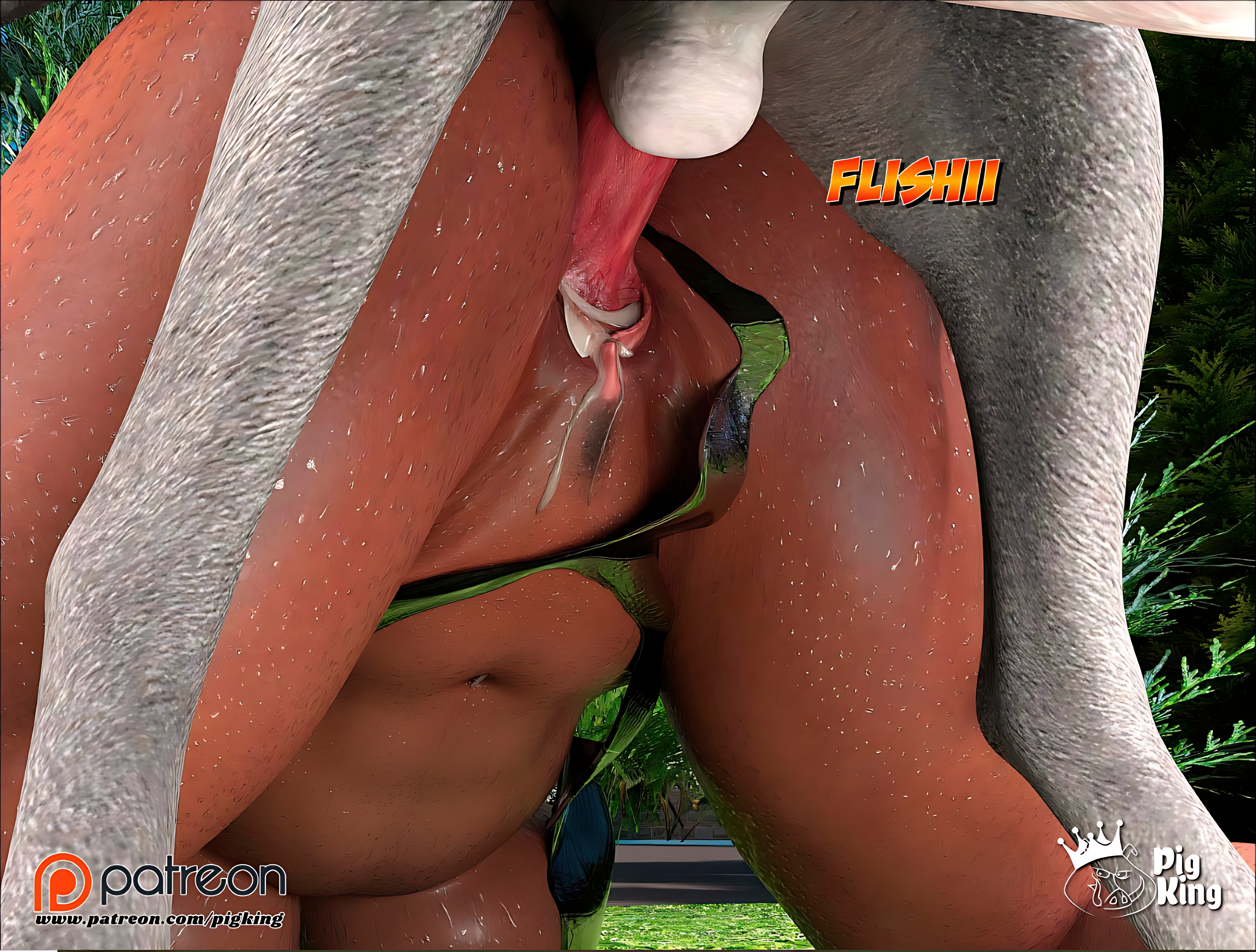
PigKing's renders have always been splendid, but in Lost Family 38, the scene you, Teddy, created with Darla fucking Thor was, for me, one of the most impactful and memorable. I was fascinated by the type of 'disengagement' presented there. Thor's dick coming out of Darla's pussy. My direct question to you, Teddy, is: why don't you explore this type of scene more in other stories like Nun Isabella, Doctor Brandie, **Mom's Help, and Foster Mother, and make it a permanent feature in all chapters involving bestiality? I believe this style of 'disengagement' in bestiality narratives is simply fantastic andI believe this style of 'disengagement' and the application of this technique in penetrations, within bestiality narratives, are simply fantastic and would add great value."
Last edited: